|
Note: To show the virtual keyboard you must turn on a function in the settings.

To show virtual numeric keyboard , click to a data numeric form.
|
You can adjustable (size) virtual numeric keyboard
- Click the right mouse button on the enter button (on the virtual numeric keyboard)

A box appears. Click on the box with name "Resize keyboard".
- A white arrow in a green circle appears

- Click on the arrow and drag to resize the virtual numeric keyboard
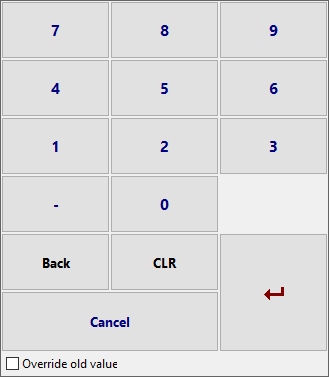
Result
Example

|