|
Isotropic and unisotropic scale
Field-Map can visualize a crown profile in two modes:
Isotropic scale is proportional, both axis have the same scale. This mode is for displaying trees and tree crown profiles in realistic proportions.
Unisotropic is not proportional, the horizontal axis is magnified, this mode emphasizes the crown width.
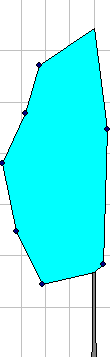
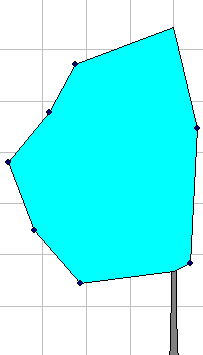
|
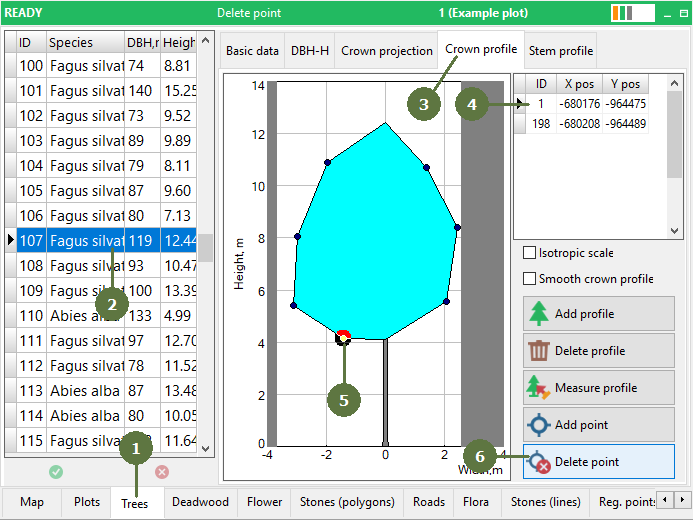
- Switch to the trees form
- Select the tree
- Click on the Crown profile tab
- Select the profile which you want to edit
- Select the point in the view which you want to delete
The selected point is marked by a thick outline
- Click Delete point button
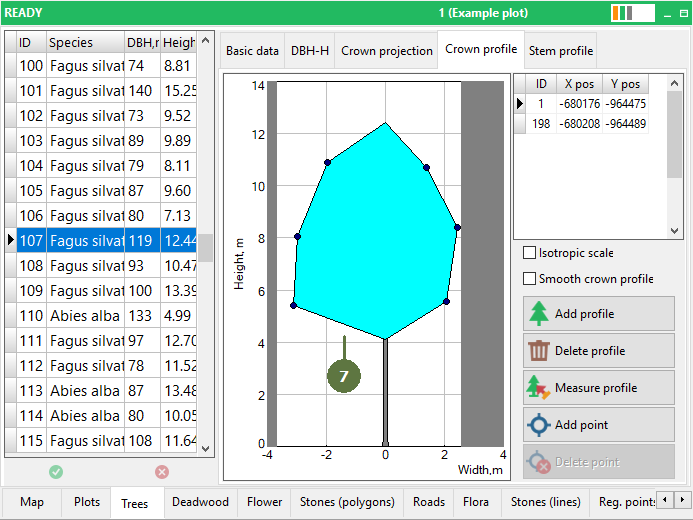
- The point is deleted from the view
|