14.4 Re-calculating deadwood volume
|
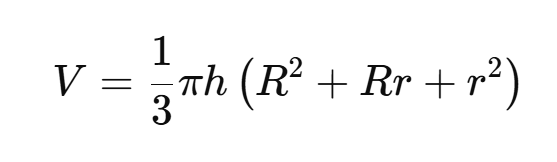
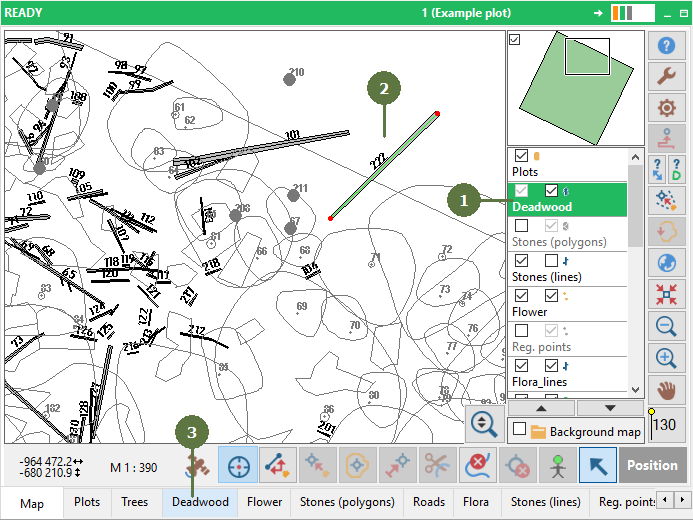
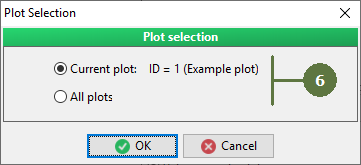
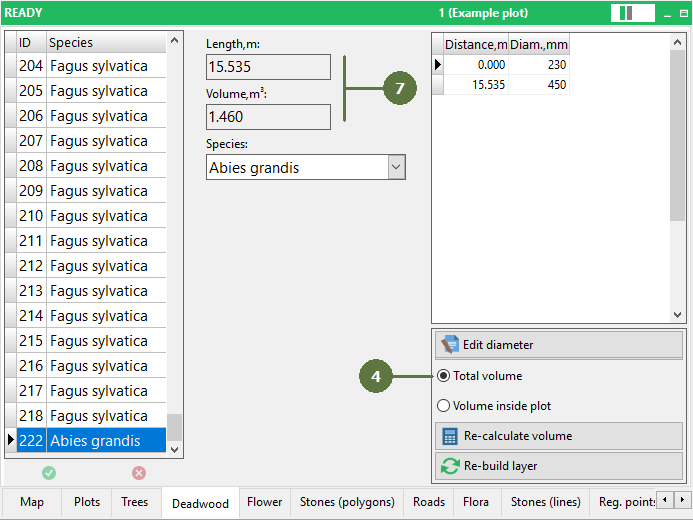
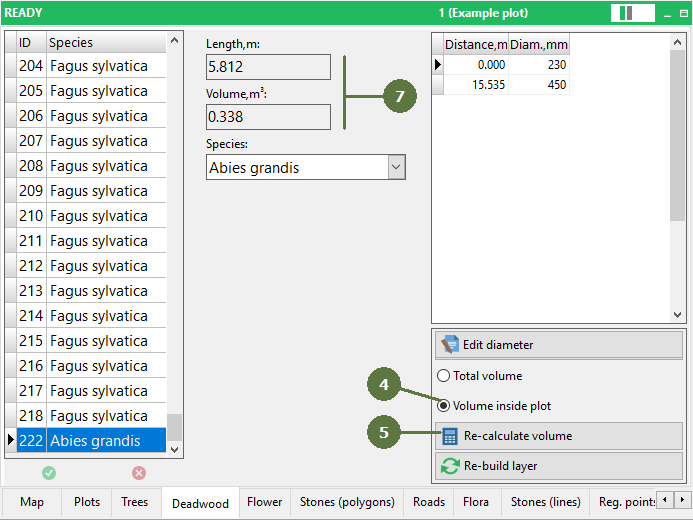
Field-Map user can choose whether to calculate the total deadwood volume or the volume for part of deadwood, which is lying within a plot boundary (volume inside the plot). For updating (re-calculating) the volume of selected deadwood click on “Re-calculate volume” button. The volume in the deadwood layer is calculated as a frustum of a cone:
V is the volume of the frustum, h is the height of the frustum (distance between the two bases), R is the radius of the larger base, r is the radius of the smaller base |
If you re-calculate volume inside plot, then the volume decreases, because is a deadwood partly outside the plot
|