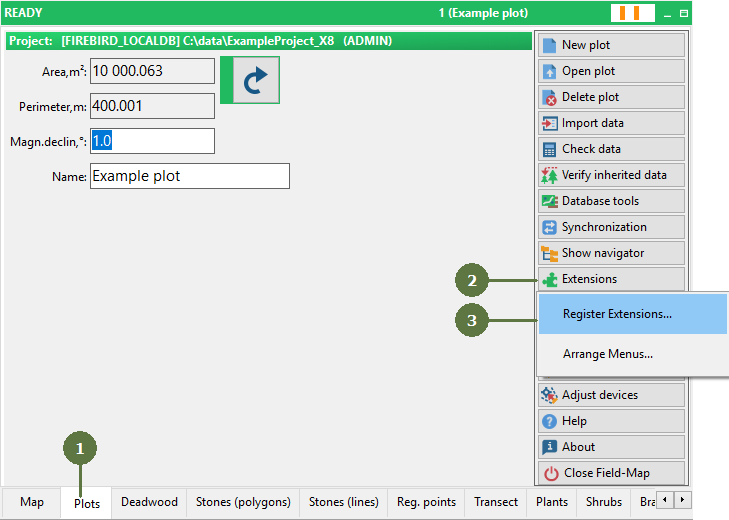
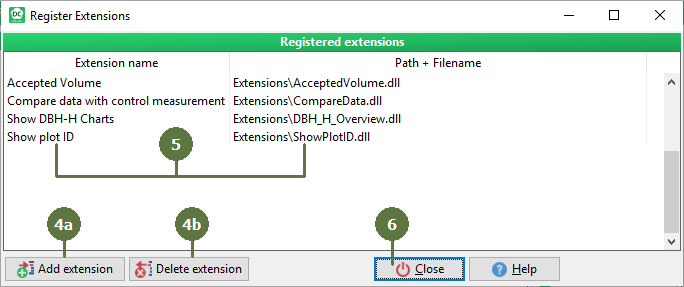
3.19 Registering extensions
|
Extensions developed by external user can be run within Field-Map. Extensions are very useful to add locally specific functionality. Extensions can work with the data from an opened project. Volume tables, biomass equation, growth and yield modes, assortment tables and other tools can be added via extensions. Extension parameters For further information about extensions see Extensions chapter or refer to particular extension documentation. Note: If an extension is registered to a project, Field-Map looks for the .dll or .exe file in the directory for which it was registered; if no file is found, Field-Maps searches the Documents and Settings \ All users \ FieldMap \ Extensions directory, Program Files \ FieldMap \ Extensions directory and Program Files \ FieldMap directory. |
|