11.13 Smoothing a line
|
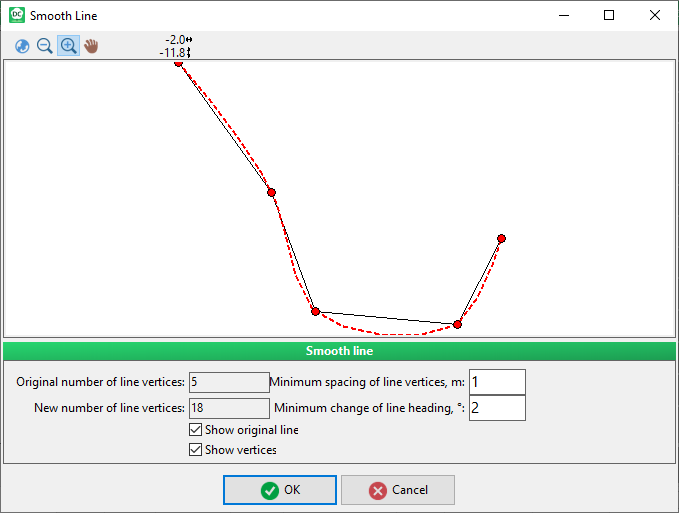
The more vertices added the smoother the line. For features that do not have exact borders this is a way to interpolate the border between the measured points.
The vertices are 3 meters apart The vertices are 1 meter apart For calculation of smooth crown projections and profiles in Field-Map it is used "Ferguson spline curve". Reference can be found here. |
|