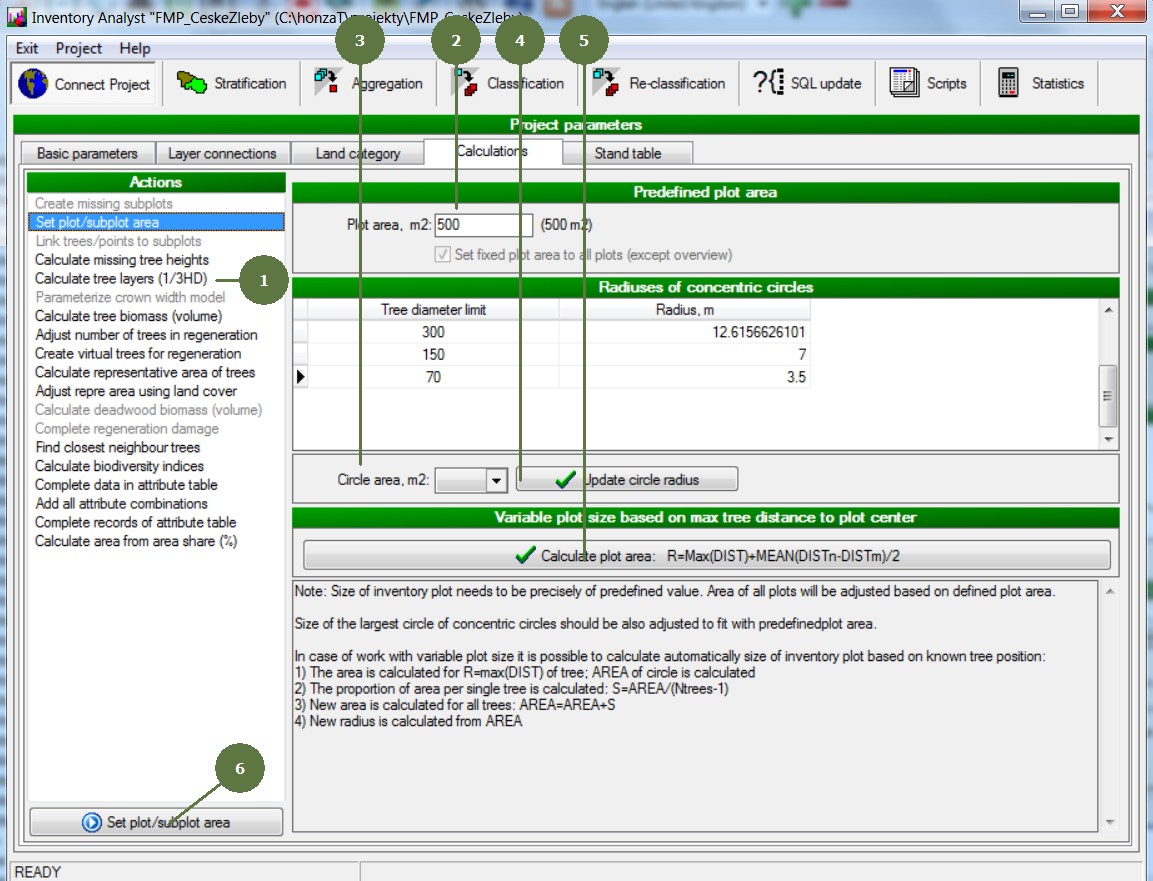
4.1 Running an action
|
Note: Some actions are available only for projects which use specific approach. (e.g. Link trees / points to subplots requires project with segments, plots within the project may be divided into several segments.) |
|
|
Note: Some actions are available only for projects which use specific approach. (e.g. Link trees / points to subplots requires project with segments, plots within the project may be divided into several segments.) |
|