- Click or double click the Treelayer to make it active
- Click the Add point button
- Add a point to the map (see “Adding point”)
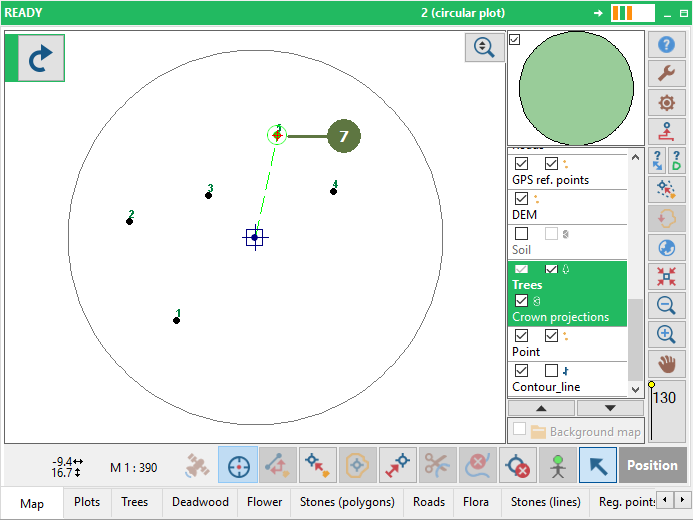
A tree (point) appears in the map
- Distance from the last measured tree to another tree which you will measure

Adding trees from Trees pane
- It is also possible to add a tree directly from the tree pane - Click the Map button

- Fill in a data

- Result in the map. The tree has been added
|