|
|
Open the menu of Synchronization procedures (see this chapter)
- Select Analyze Synchronization Traffic
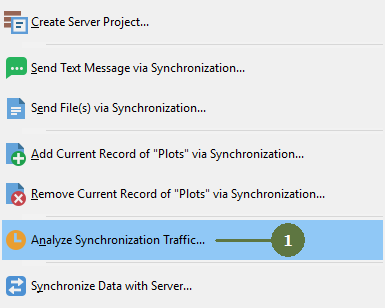
- Analyze synchronization traffic window appears
- Set whether to perform analysis of all plots in project or only currently opened plot
- Click Perform analysis button

- Analysis results appears
- Click Publish in Excel button

- Browse the directory to save the output file
- Fill a name of file
- Click Save to Excel file

- The result will appears in Excel

|