|
Only admins and powerusers are able to remove plot from projects of other users via synchronization.
|
- Make sure, that the plot you would like to remove is active
- Click Synchronization button

- Select Remove Current Record of "Plots" via Synchronization

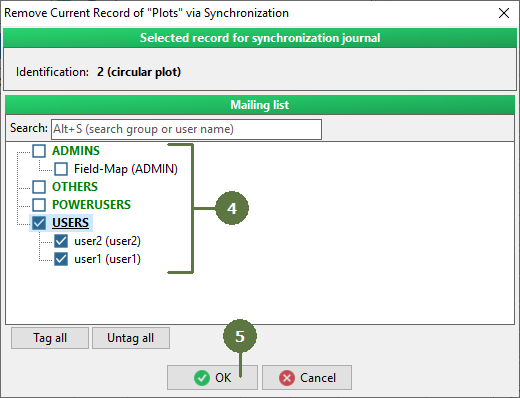
- Tag the user(s) from whose databases to delete currently opened plot
- Click OK. Your command will be stored in Synchro Journal.
- Perform general synchronization procedure
- Your commands concerning adding of plots to individual users are uploaded to server
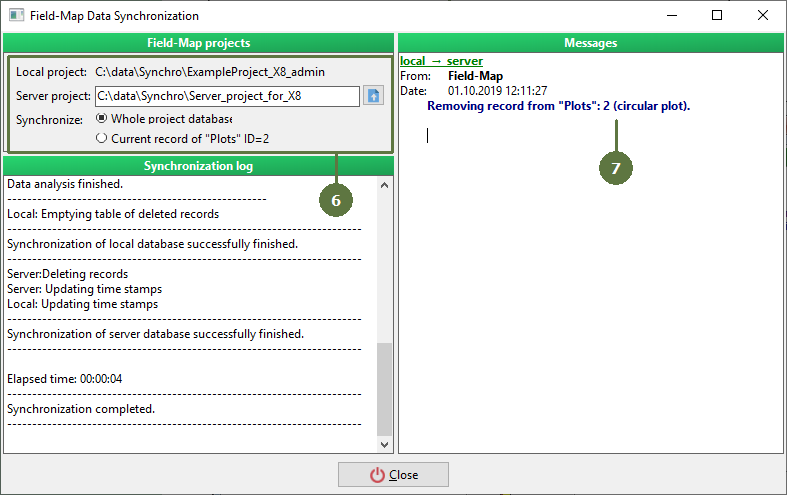
- Next time, when the user you tagged in a mailing list starts synchronization, selected plot is removed from his Field-Map project
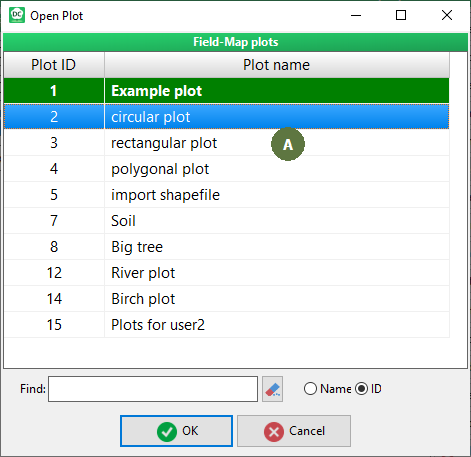
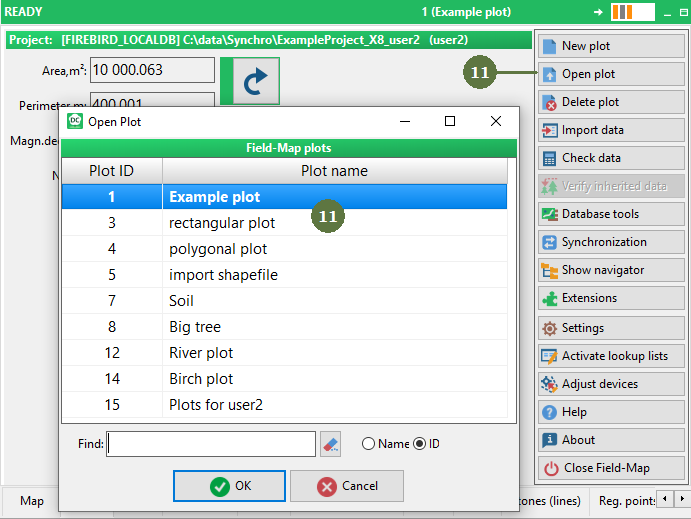
A. You can check the list of existing Plots before running the synchronization by clicking Open plot button
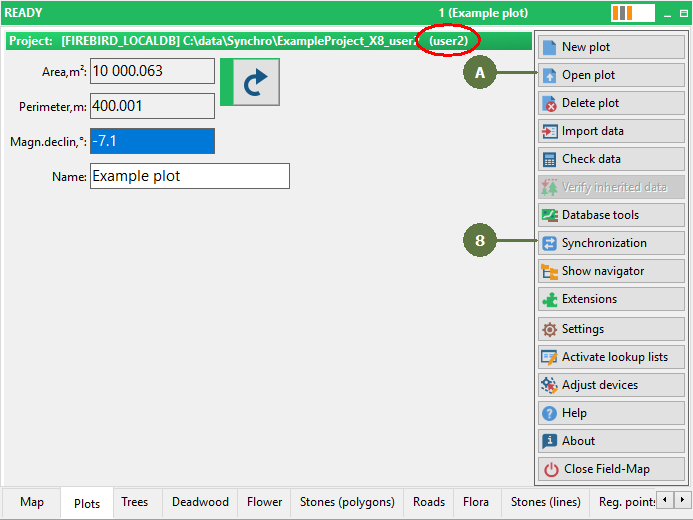
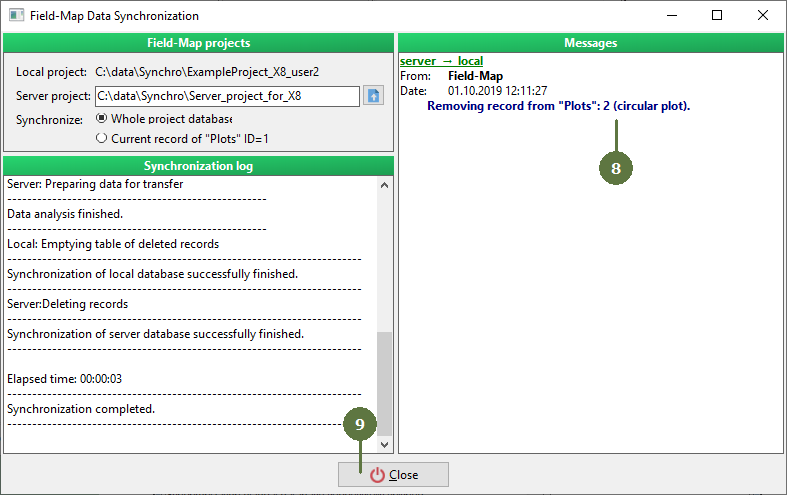
- Click Close button
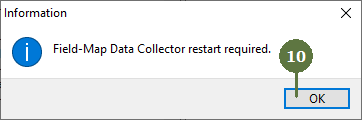
- Field-Map Data Collector will ask you to restart. Click OK
- Open Field-Map Data Collector again. Click Open plot button and check, that the plot was deleted via synchronization properly
|