4.18 Basic symbols
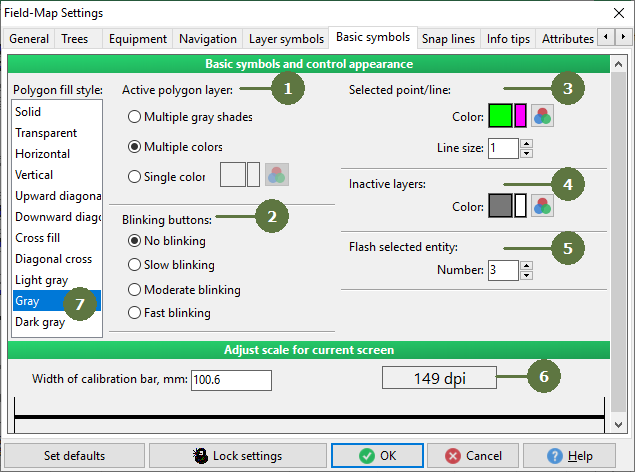
- Active polygon layer
Defines the color for the active polygon layer.
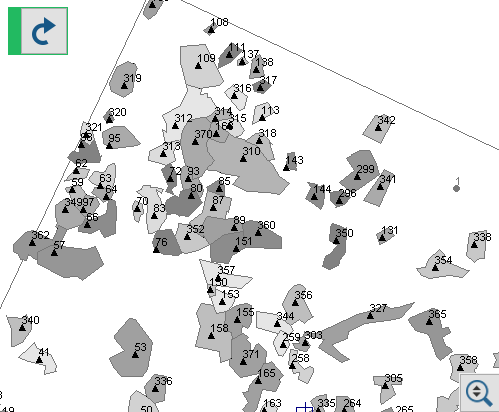
Examples
Multiple gray shades
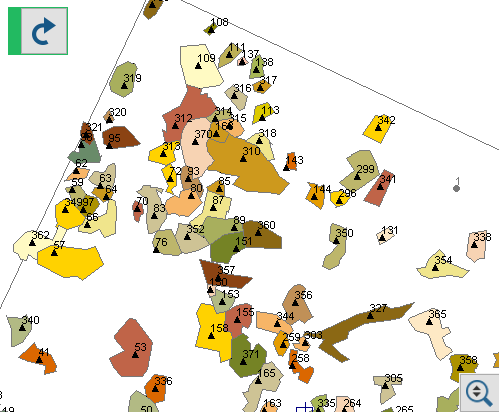
Multiple colors
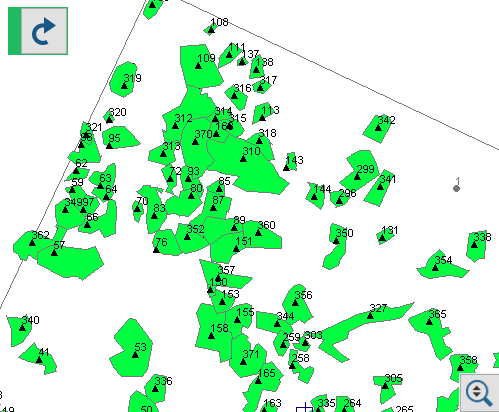
Single color
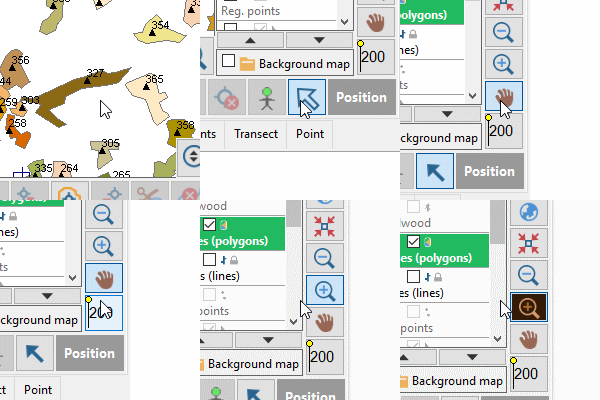
- Blinking buttons
Defines the blinking speed of the active button.
Example - fast blinking buttons
- Selected point/line
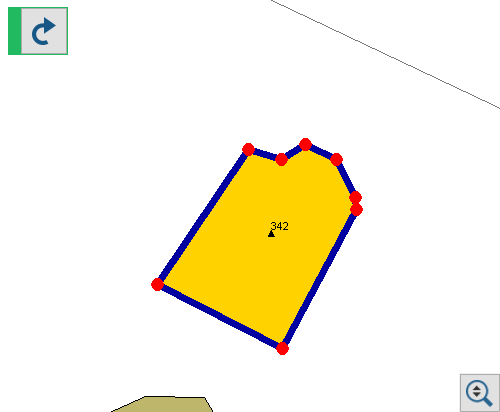
Defines color for selected point and width of selected line.
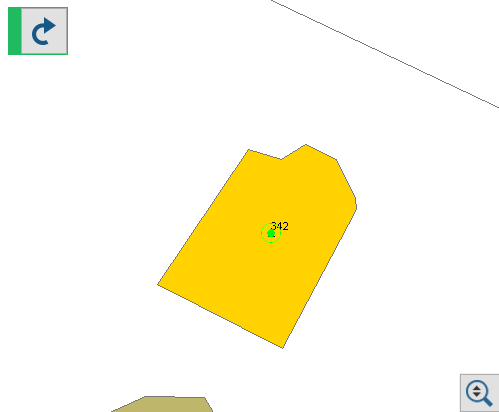
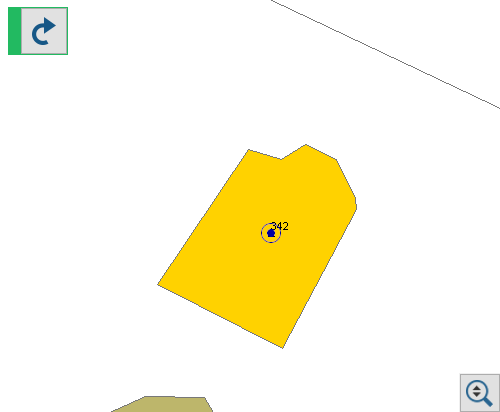
Example - Selected point
Default
Blue color of selected point
Selected line - the change has been to line size 7 and color
- Inactive layers
Defines the color of an inactive layers.
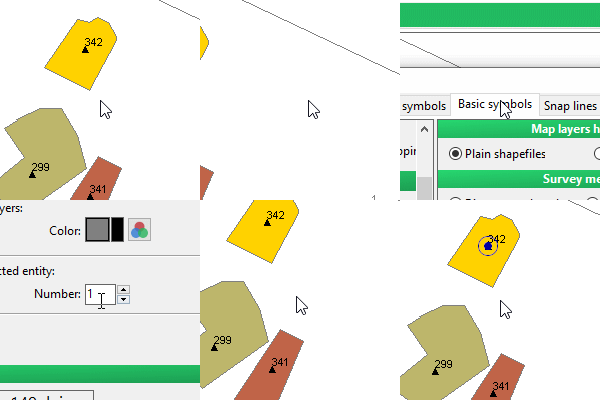
- Flash selected entity
Defines the number of flashings for a selected entity after returning to the “Map” tab.
Example
- Scale setting
It is used to adjust the Field-Map for the currently used screen. Calibration will enhance accuracy of the map scaling. Measure the length of the test bar on the screen and enter the value.
- Polygon fill style
Defines appearance of crown projection polygons and polygon style over background map.