4.11 Bluetooth connection
You can pair Bluetooth devices in Windows or directly in Field-Map.
Add a new Bluetooth device in Field-Map
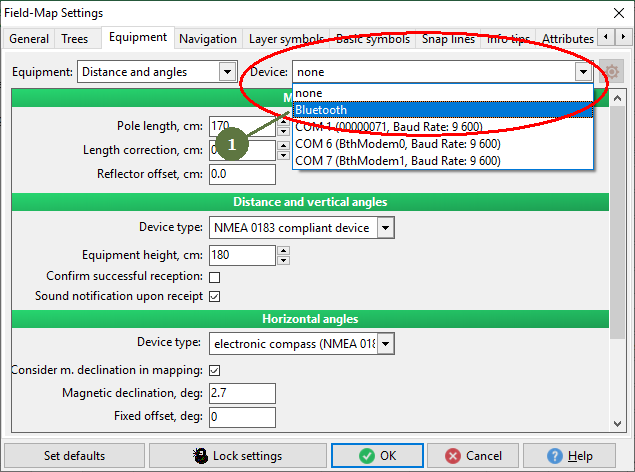
1. Select Bluetooth from device options
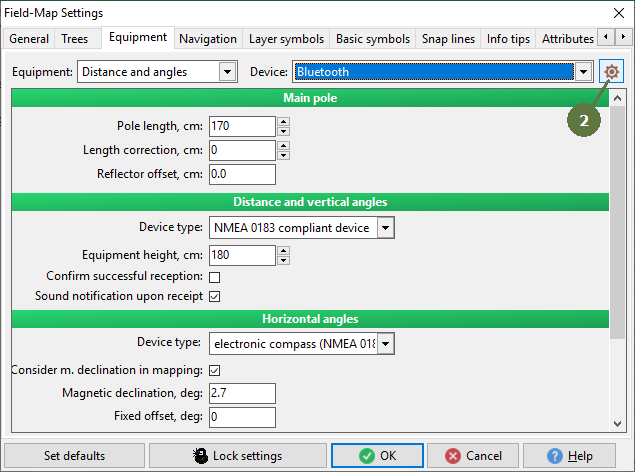
2. Click the Setting button
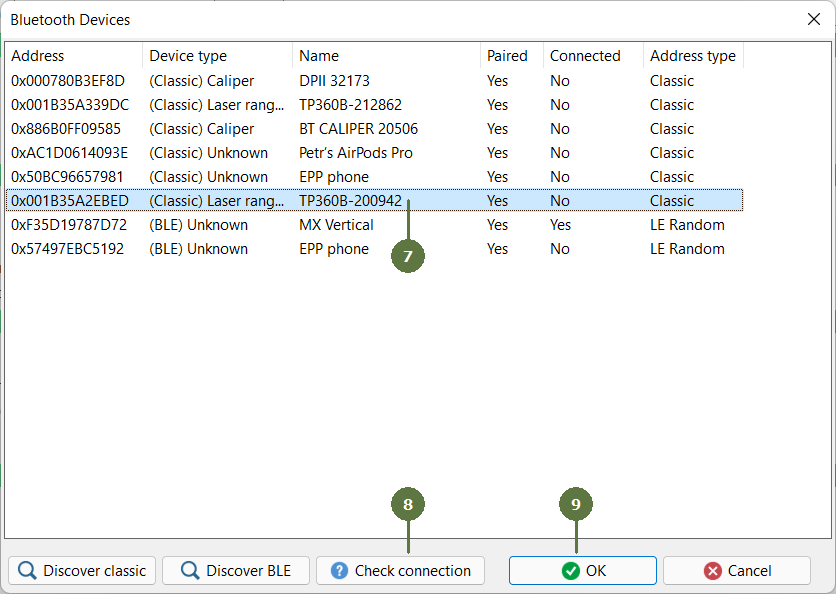
3. List of available Bluetooth devices appears
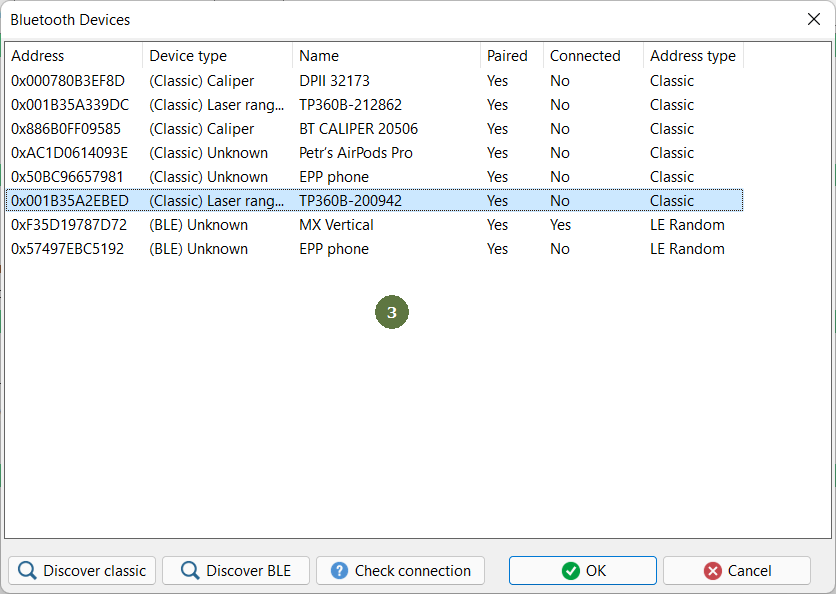
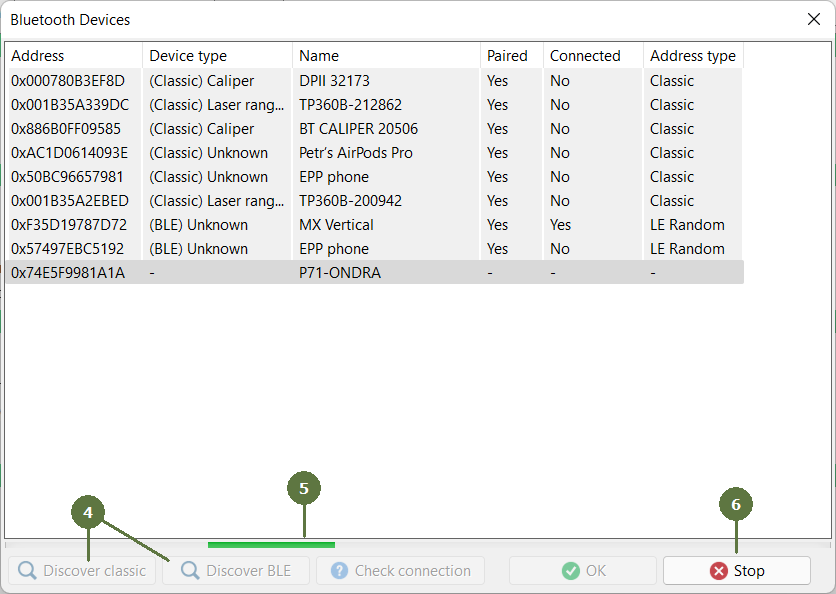
4. Click the Discover classic button to discover new standard devices or Discover BLE to discover Bluetooth Low Energy devices
5. A green loading bar appears.
6. If the device you are looking for appears in the list, you can stop the search with the Stop button.
7. Select the device
8. Click Test Connection to test connection
9. Click OK to close the window
Bluetooth device is connected
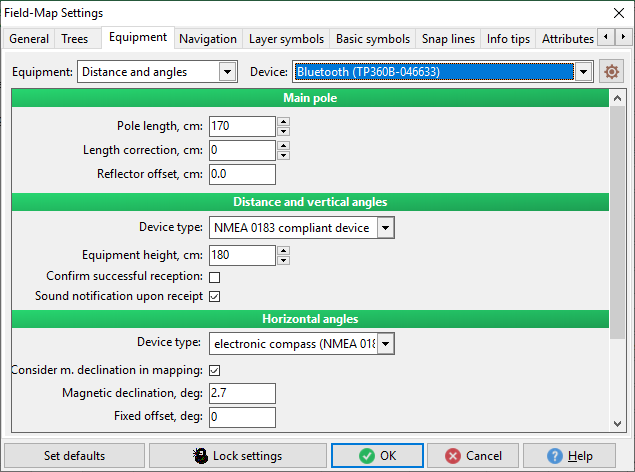
Note: You can recognize if your device is connected, see next chapter Device manager