3.24 Compass check procedure
|
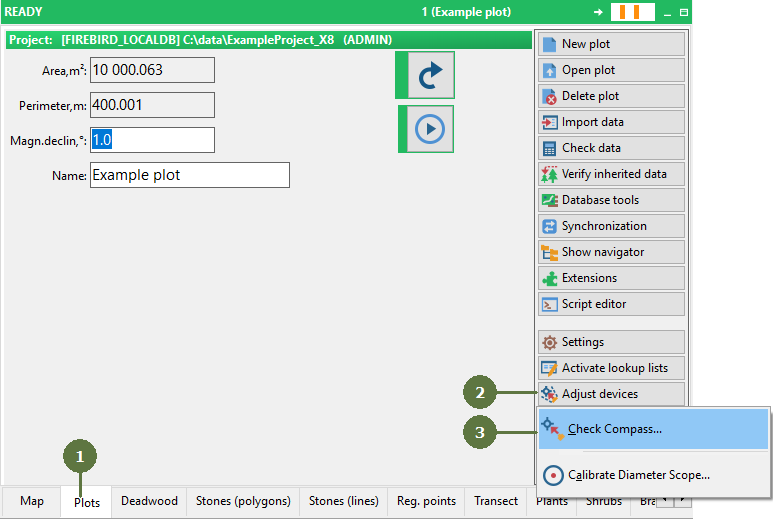
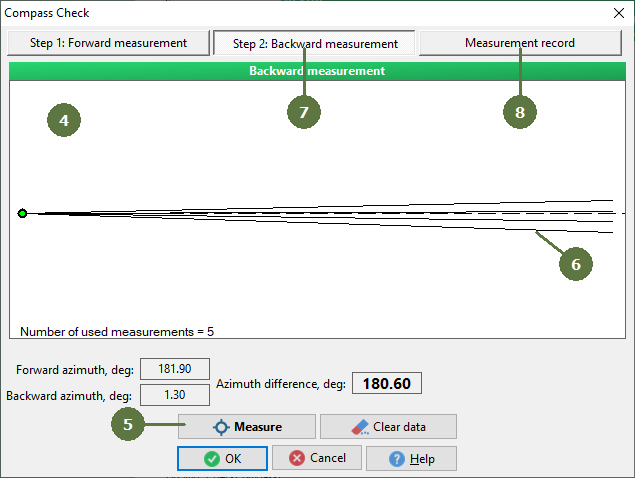
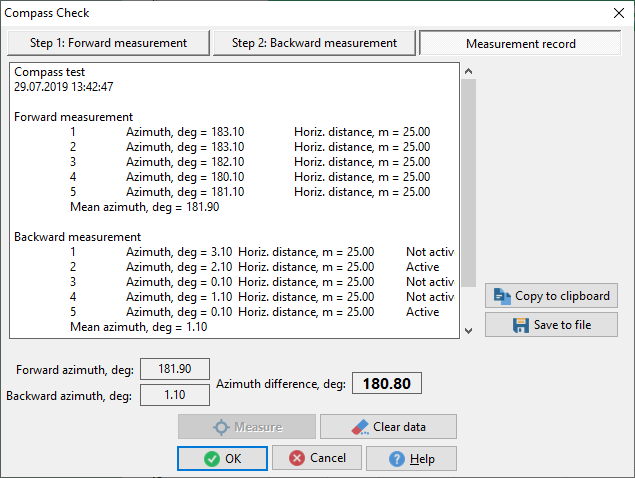
Before the measurement on the plot starts it is recommended to verify that the compass works well. This simple procedure eliminates outside influence on the compass (e.g. magnetic pole). The procedure should take place on the plot and should use complete technology as it will be used for measurement (compass, laser, computer, cables, ...). A pole with reflector located approximately 25 m from the compass is used and the test is performed in two opposite directions. You can start measurement on the plot if the difference between forward and backward measurements is in tolerance +/- 1 degree. If the difference is more than +/- 1 degree of 180 ° warning window appears. In this case consult compass manual. The check compass result can be saved to a text file or copied to a clipboard. |
Recommended number of measurements is five
Swap the position of compass and the pole
Recommended number of measurements is five
Measurement report
|