|
SQL Filter
You can select all the lines of specific layer and define their subset for island polygon building by means of SQL filter. It usually takes less time then manually selecting line by line, especially if there is large number of objects in line layer.
|
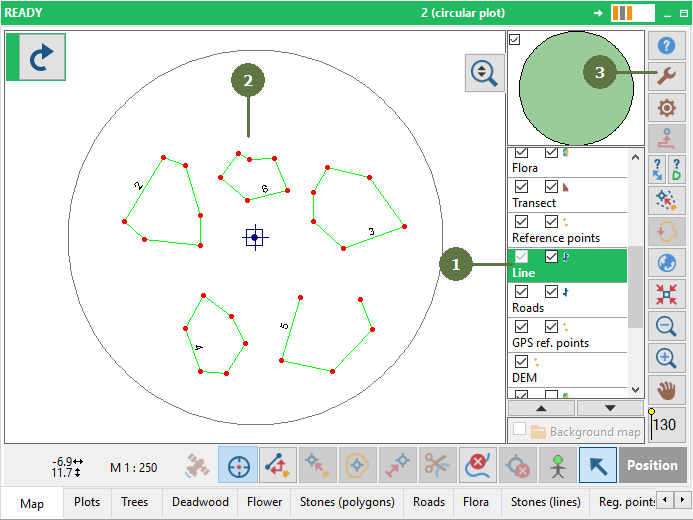
- Make sure that the line layer is active
- Select lines which should be used for polygon building
- Click the Tools button
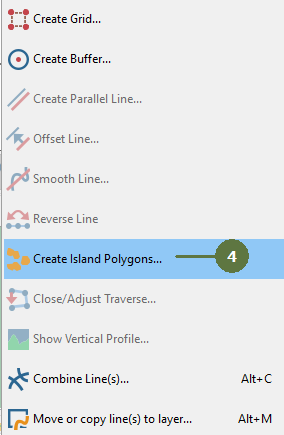
- Choose Create Island Polygons button
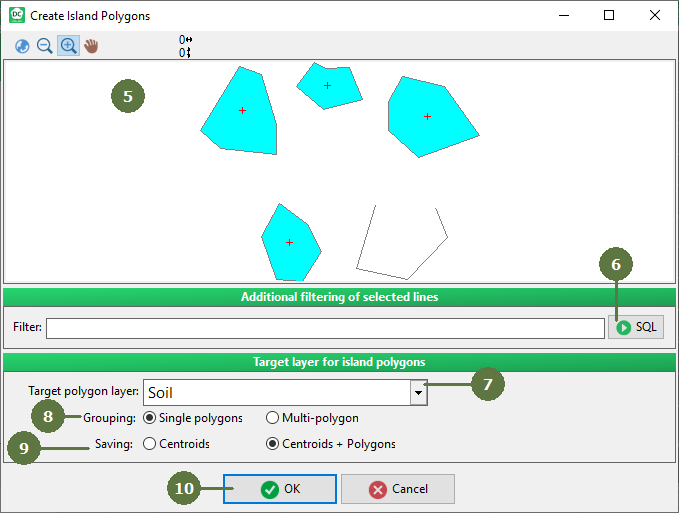
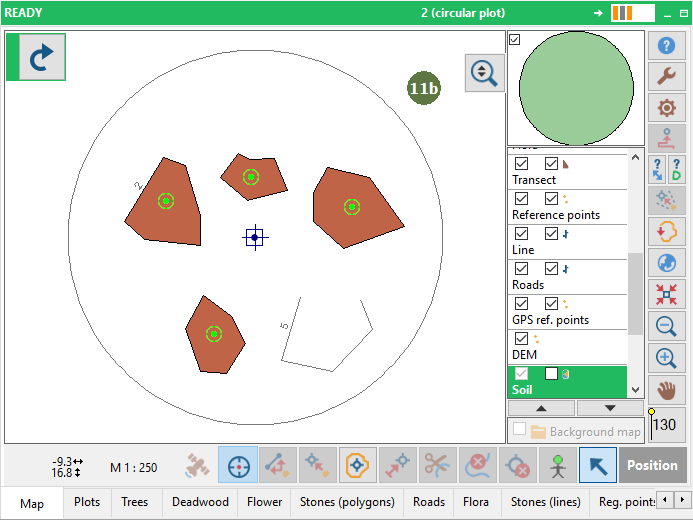
- Create Island Polygons window appears with visualized polygons and centroids. Note, that only closed lines can be used for polygon building. Position of centroids is calculated automatically.
- The sub-sample of lines can be defined for this function using SQL filter
- Set target polygon layer to store final polygons
- Set whether to create single polygons or multi-polygons
- Set whether to create only centroids or polygons with centroids
- Click OK
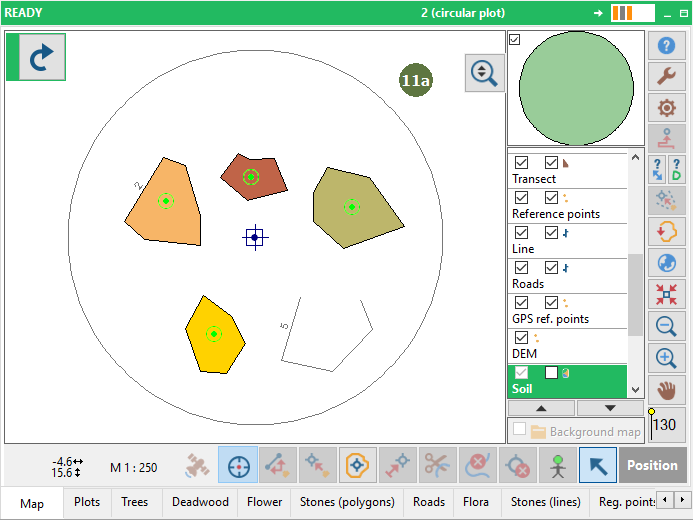
- New single (a) or multi (b) polygon(s) appear in map window based on your selection in step 8.
|