11.11 Creating a buffer around a line
|
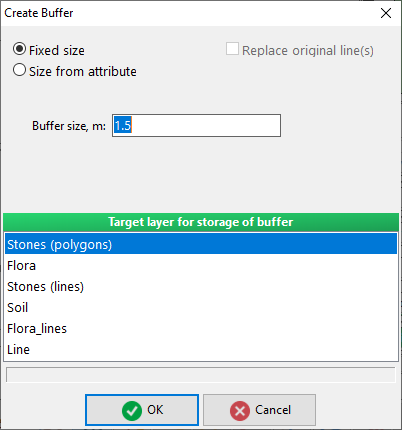
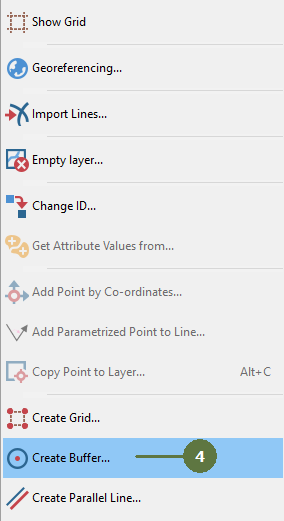
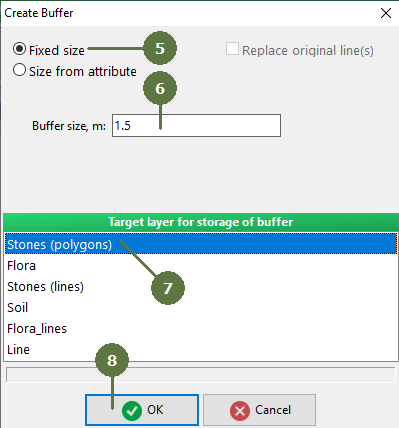
If no line is selected then buffers are created around all lines in the layer. To create buffer for only a specific line, select it. If you use the “Fixed size” option all buffers will have the same width.
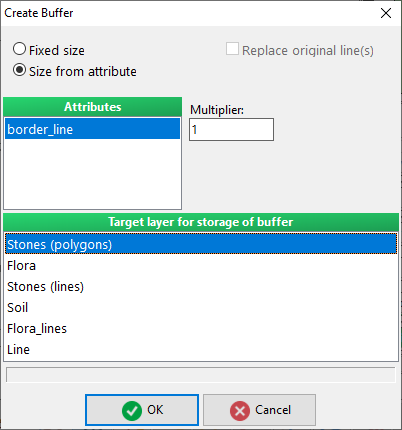
If you use the “Size from attribute” option each buffer will be assigned a specific width according to its attribute value.
|
Note: Only polygon and line layers are available
|