|
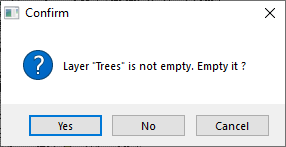
In the case that layer in which is to be imported is not empty, dialog window is opened. In this window you have to confirm or not, if you want to empty this layer.
Note:
Description of adding geographical data is the same for all types of layers (points, lines, polygons)
|
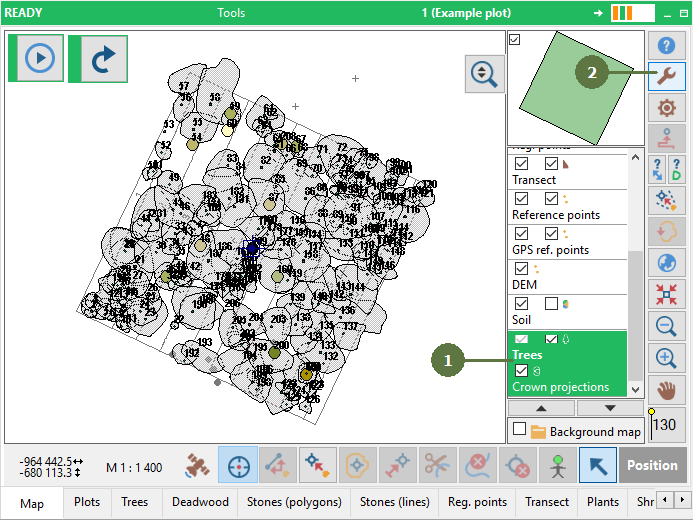
- Select layer to which you want to import
- Click the Tools button
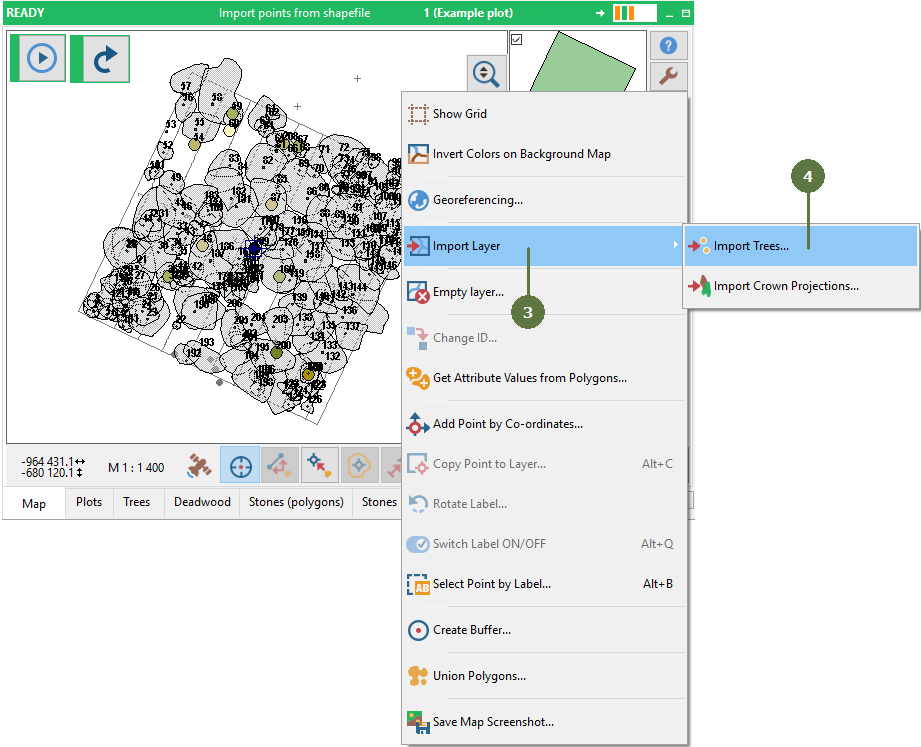
- Select Import layer from menu
- Select layer in which you want to import it
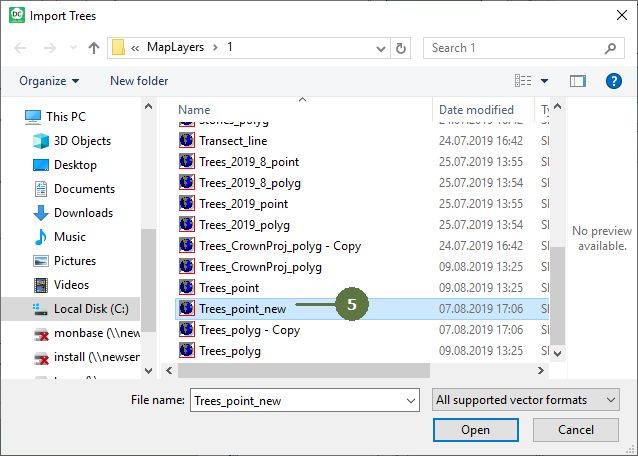
- Select layer which shall be imported
- Assign attribute fields. You can assign ID field to follow your indexing. If you do not assign ID field, Field-Map will create it automatically.
- Optionally you can clip imported data by current screen extend or
- by polygons in selected layer
- Imported data can be also filtered using SQL query
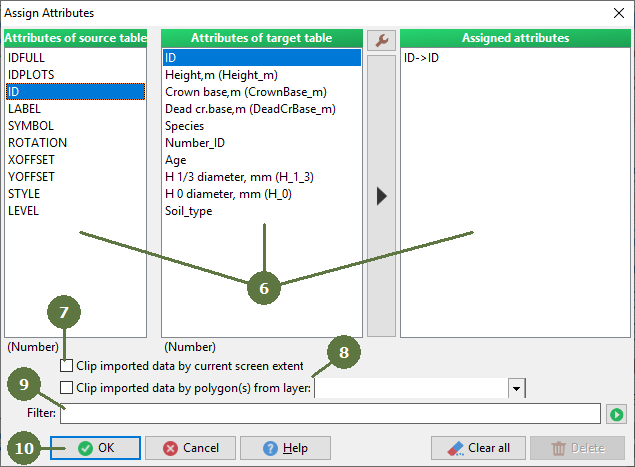
- Click OK to import
|