|
If a line layer participates in a polygonization, particular lines can be cut to pieces. After returning into Field-Map, these pieces are saved as new lines with all attributes of its original lines including attributes of all slave tables (line length is corrected). When moving lines into another layer, duplicate lines are checked and rejected if any. When saving lines, Field-Map attempts to save its original attributes. If there are corresponding attribute names in the original and the target layers, values are saved. Extra attributes in the original layer are passed by.
|
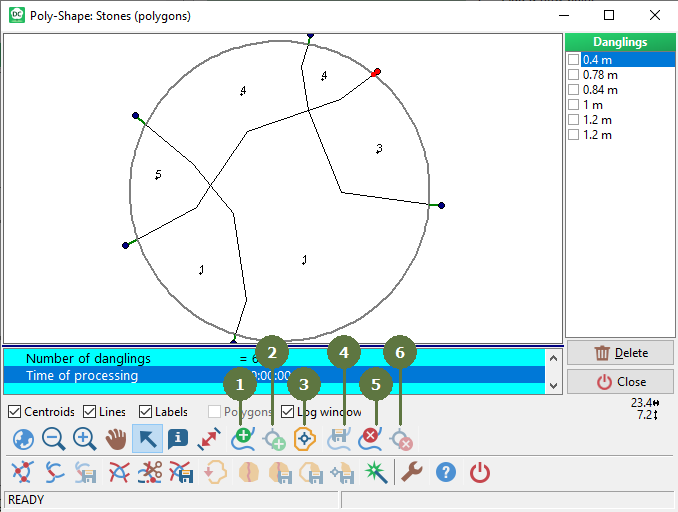
- Add a new line
- Add a new point
When drawing a new line or adding a new point to a line, line ends are tested. If there is another line close to the new line or the new point, the lines are connected, new intersection is created and the existing line is split.
- Add a new centroid
- Export selected line to another layer
- Delete line
- Delete point (or centroid)
- Connect lines
It is possible to drag and drop the first / the last point of a line into another line to connect the lines. A new intersect is created and the target line is split.


- Move point
It is possible to restore the origin position of the moved point.

|