12.8 Handling multipolygons
|
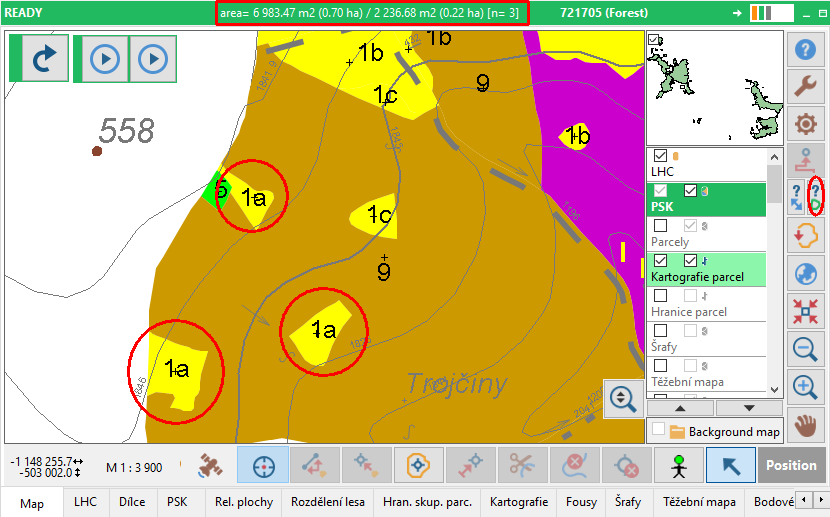
If there are multipolygons with adjacent parts (polygons with the same ID that are connected), it is possible to identify their dividing lines; these lines can be deleted or exported to another layer. If there is Save clean lines after Poly-Shape routine option selected in Settings, redundant centroids are removed when returning from Poly-Shape into Field-Map; just one centroid is selected randomly to be left and position of remained centroids of polygons from which duplicate centroids were removed is optimalised. This is not the same as if there are more centroids in one polygon with different IDs. In this case a warning about data inconsistency appears. Number of multi-polygon parts You can see number of all parts of selected multi-polygons on the top of Field-Map Data Collector window.
|
It is possible to
|