3.12 Refreshing the database
|
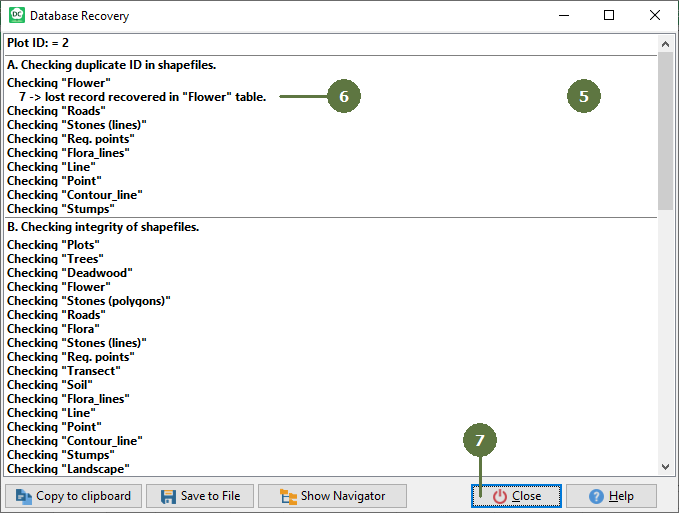
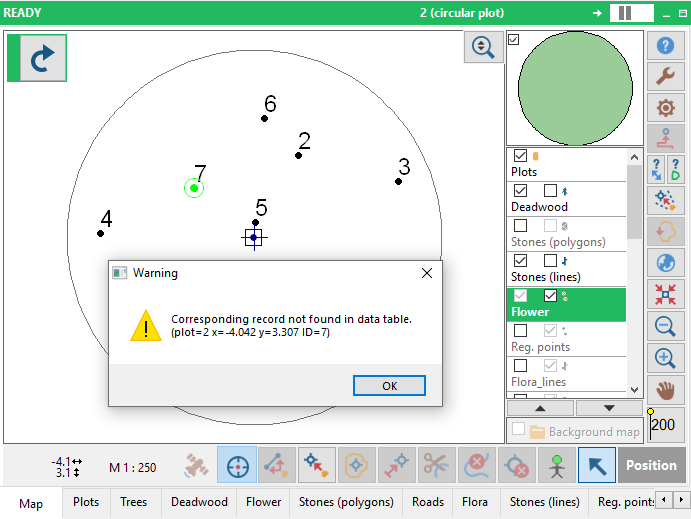
Field-Map has several features ensuring database consistency even in case of unexpected situations such as power failure. In such situations the database consistency may be lost or degraded. Events, which may damage the database, will be notified by a warning message (see below - example). Run Refresh database function immediately after this message appears. A procedure compares data from data table with those in the shapefile. Missing records are automatically recreated and information about all recovery steps is displayed. The report of check data procedure with all changes listed can be saved directly to the file or copied to clipboard. Database recovery function is available only for Points and Trees layers. |
You can copy the data to clipboard, save to file or save to navigator. EXAMPLE If you get this warning, then refresh your database
|