6.1 Running synchronization in general
|
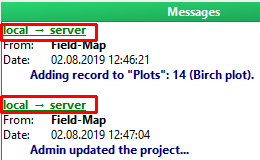
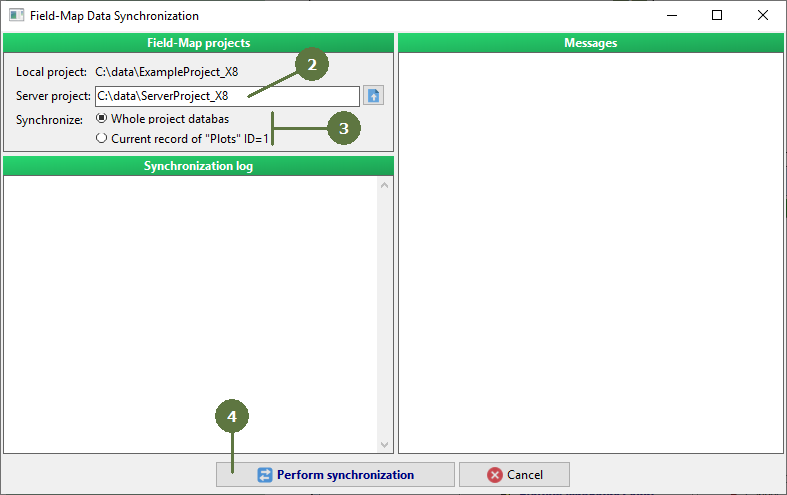
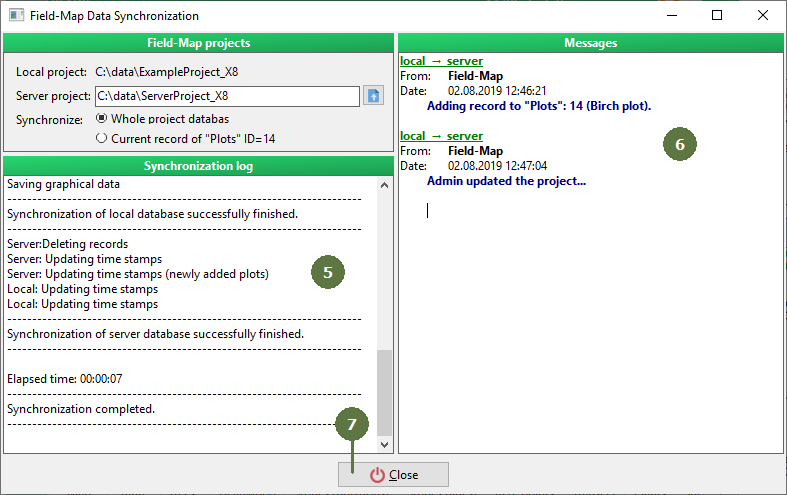
During synchronization procedure, both server database and user database are updated. If there are some actualizations to database or lookup lists structure in Synchro Journal of server project, synchronization automatically updates these changes also in user project. Synchro Journal of server project can also contain commands concerning adding/removing specified plots to individual users or text messages which are also performed. On the other hand, data collected in the field are transferred in opposite direction (i.e., from local to server database) as well as new commands added to Synchro Journal by admins or powerusers. Information about direction of synchronization (from local to server or vice versa) is included in synchronization messages.
|
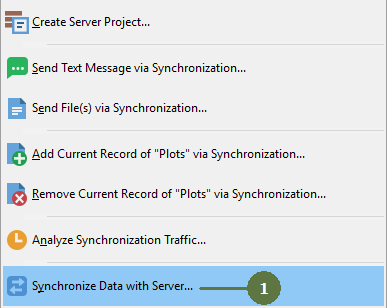
Open the menu of Synchronization procedures (see this chapter)
|