|
Map legend
Displays user-defined symbols for the actively selected layer directly in the map window
|
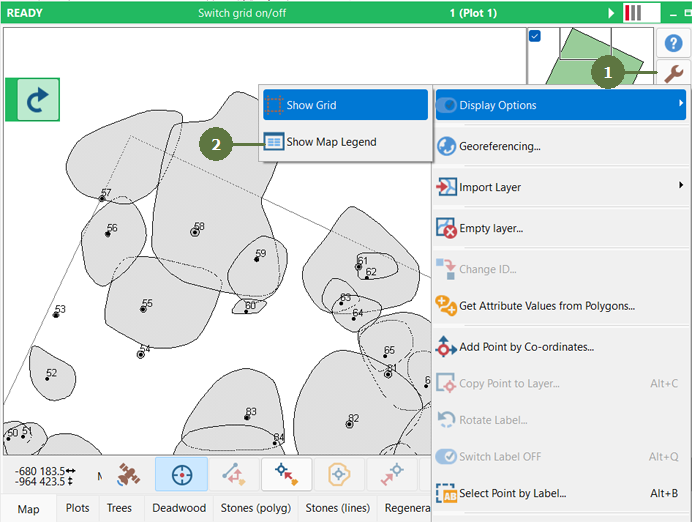
- Click the tools button
- Choose Display options/Show map legend
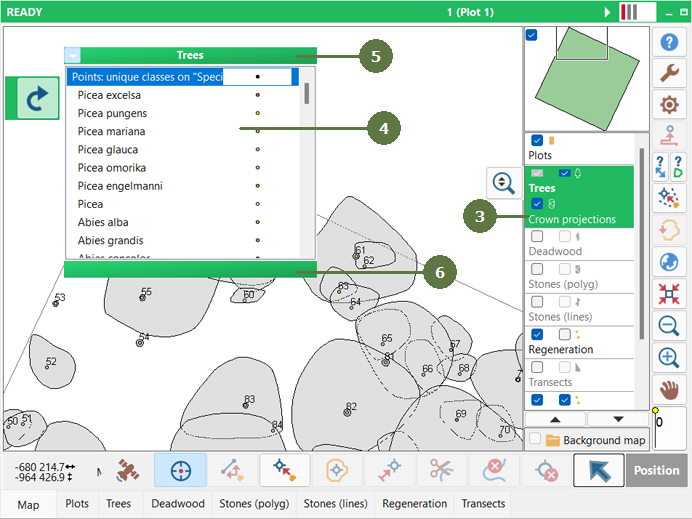
- Select the layer for which you want to display the legend
- The floating legend window appears in the folder
- Use the top green bar to move the window to any location
- Use the bottom green bar to resize the window
- To hide the map legend repeat steps 1 and 2. When the map legen is active, the item in the menu change name to "Hide map legend"
|