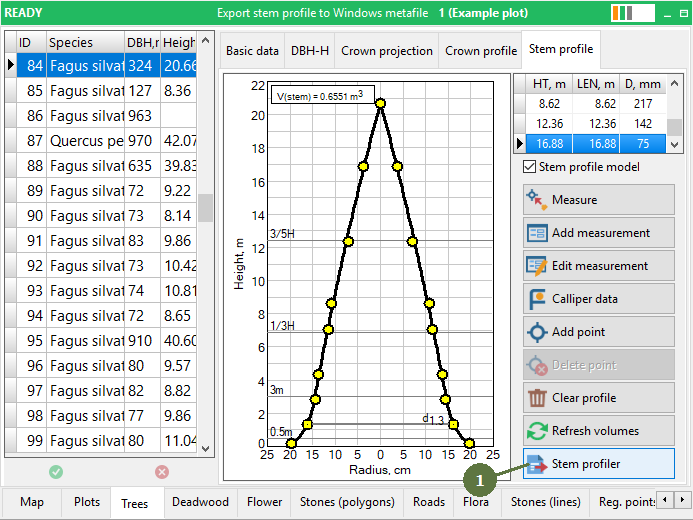
13.39 Stem profiler
|
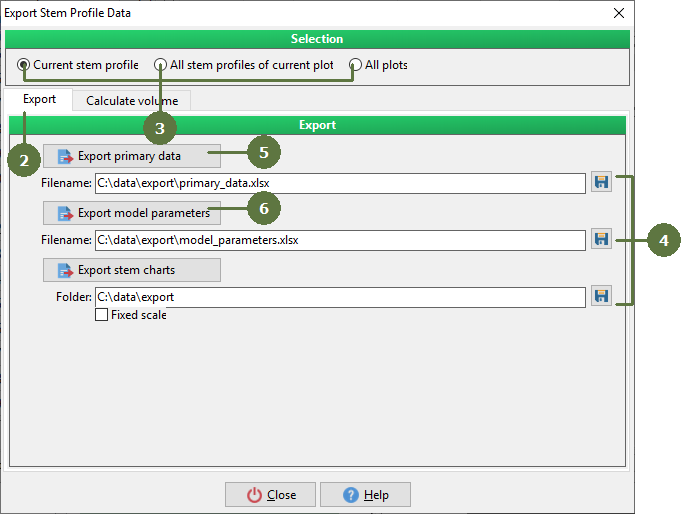
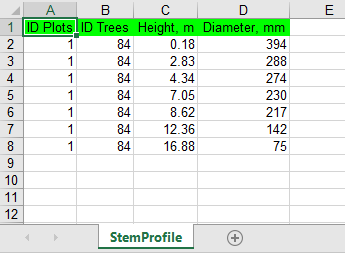
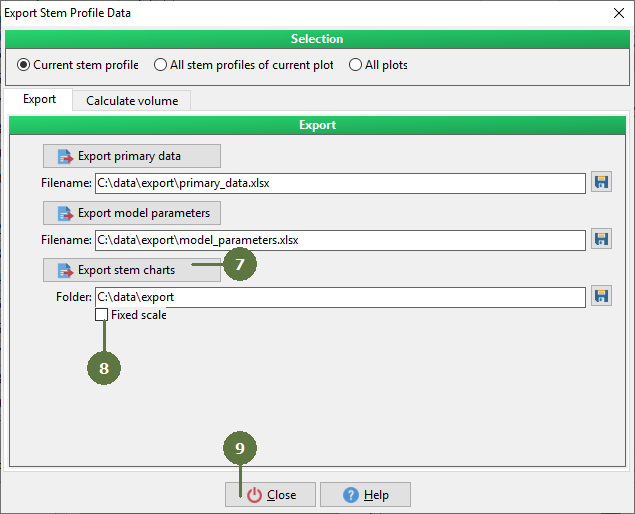
Exported charts are stored in format Enhanced Metafile. Note: Exported Primary data are ID Plots, ID Trees, Height_m, Diameter_m Exported Model parameters are ID Trees, Species, DBH_mm, Height_m, CrownBase_m, Curve parameters (Param l, Param P, Param Q), Correlation coefficient (R), Standard deviation (Syx), Number of measured points (N). |
(optional module) Export data
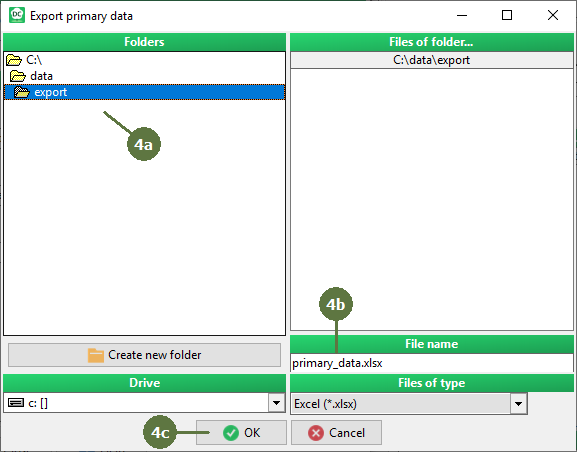
a. Browse the directory to save the output file b. Fill in a name file c. Click OK
Primary data table
Model parameters table
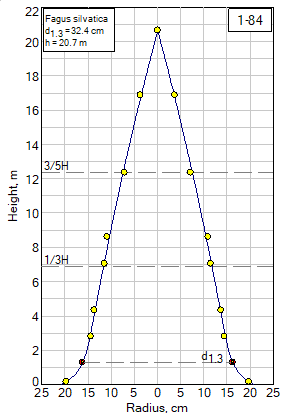
Chart is exported into .emf format
Chart without fixed scale
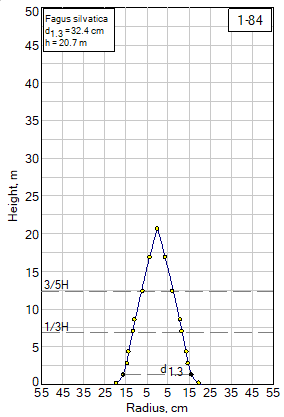
Chart with fixed scale |