|
Calculation stem volume
Calculate volume function enables to calculate volume for individual trees according local stem profile modeling. Calculated stem volume can be limited by top and bottom diameter or height.
|
(optional module)
Stem volume calculation
- Open Stem profiler and switch to Calculate volume form
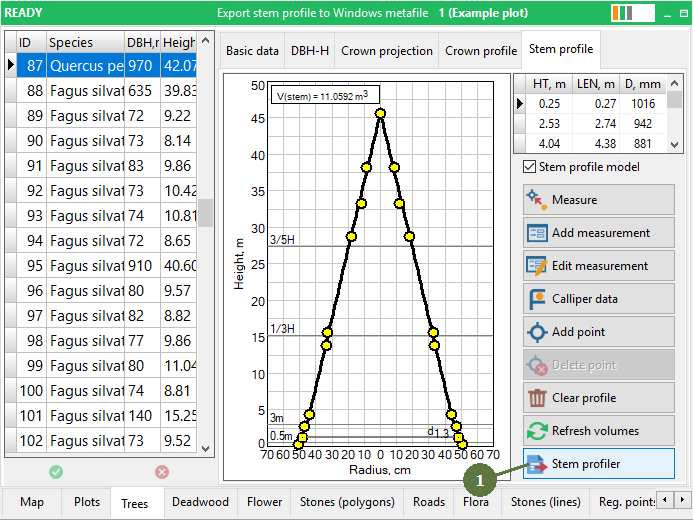
- Select source data set for stem volume calculation
- Set Top (Height or Diameter) stem limit for volume calculation
- Set Bottom (Height or Diameter) stem limit
- Select the Target attribute where the calculated volume will be stored
- Click Calculate volume button to start calculation
- Click OK to close window

- Calculates volume is stored to the selected attribute

Note: The selected attribute have to be visible or read-only in the Project Manager
|