15.6 Stretching transect line
|
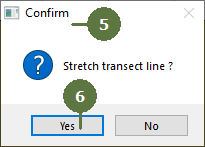
When you measure a transect in the field it is not always possible to establish a straight line. You can fix this by pressing the “Stretch line” button. Field-Map uses measured points on transect line and moves them (changes their x and y co-ordinates) to a new position. Z co-ordinates are not changed. |
The transect line is not straight
Transect line is stretched
|