|
Switch off(on) an individual point(s)/tree(s)/centroid(s) label(s)
You can select one or more points/trees/centroids and switch off their labels using the “Switch Label OFF” function. If a point has its label switched OFF, the same function can switch it ON.
|
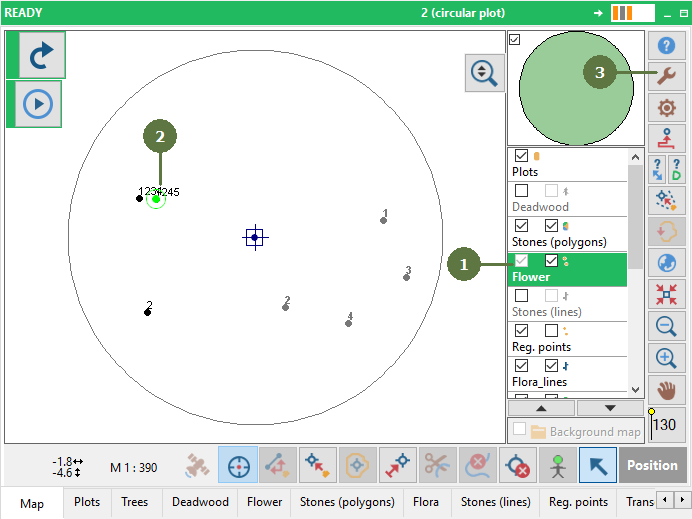
- Make a point/tree/polygon layer active
- Select a point(s)/trees(s)/centroids(s)
- Click the Tools button
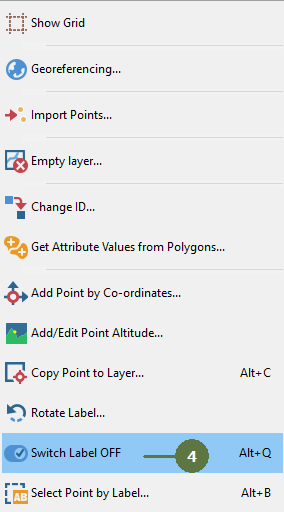
- Select the Switch label OFF(ON) function
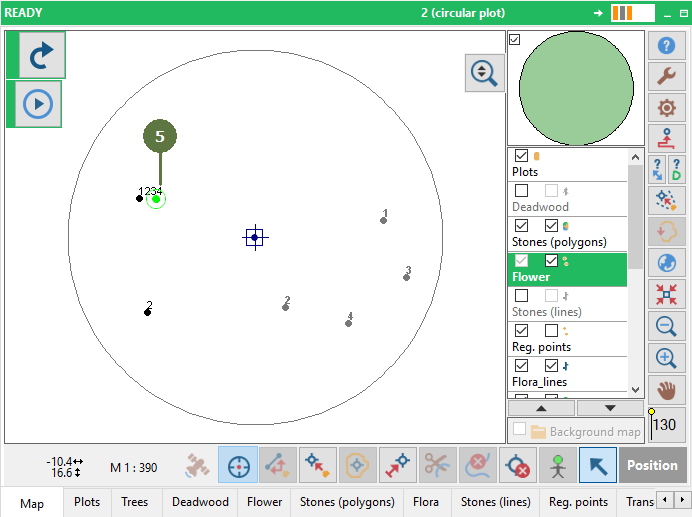
- Result. The label has been hidden
|