5.1 Task structure management
|
When closing Database Query Tool, the window asking to save task structure appears. If you select yes, the structure and definition of tasks will restore when starting this tool again. |
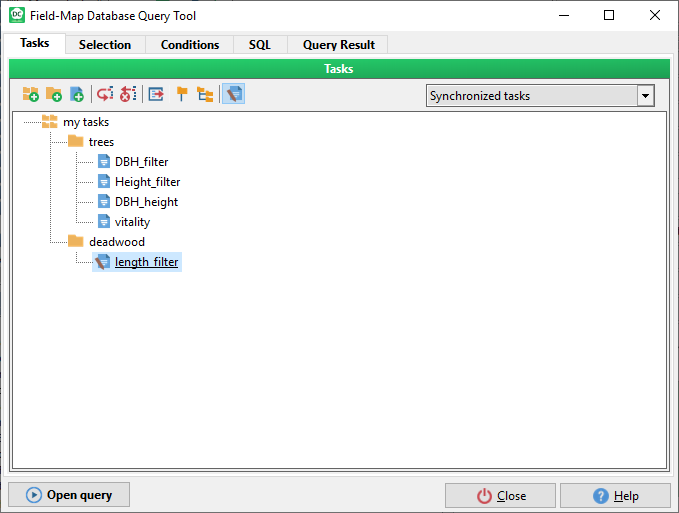
Example of structure
|
|
When closing Database Query Tool, the window asking to save task structure appears. If you select yes, the structure and definition of tasks will restore when starting this tool again. |
Example of structure
|