7.3 Zooming in
|
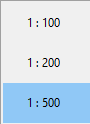
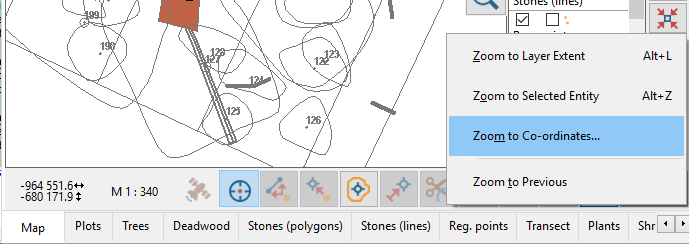
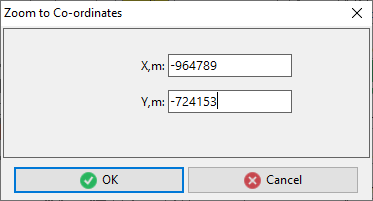
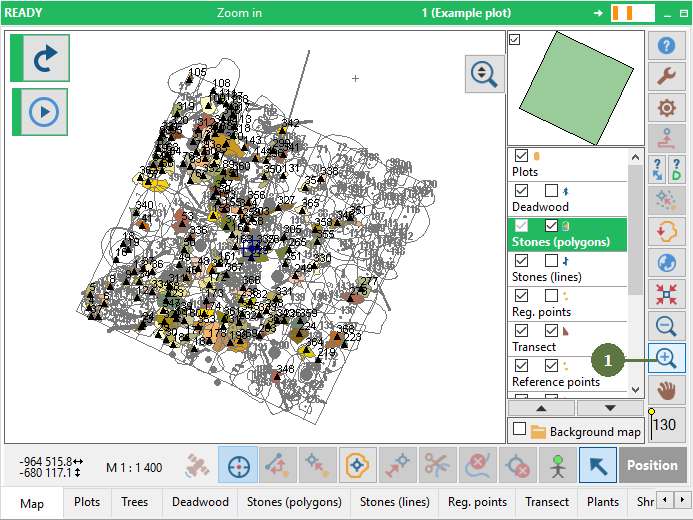
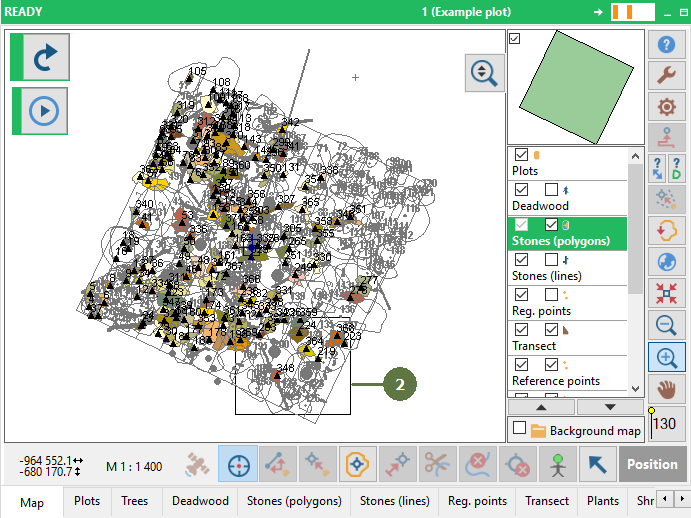
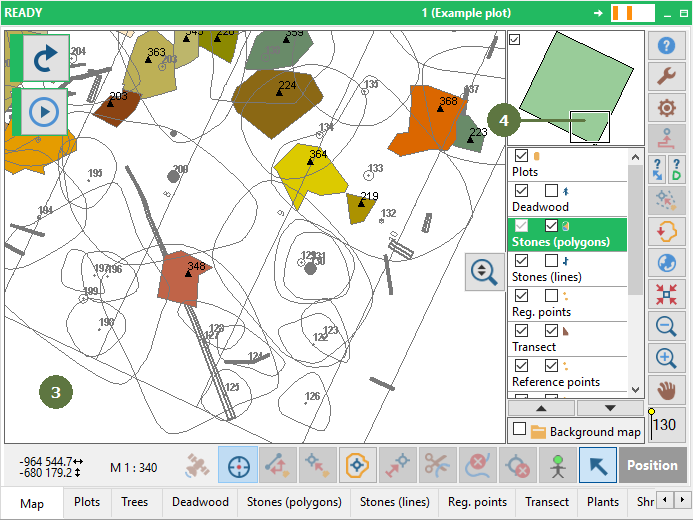
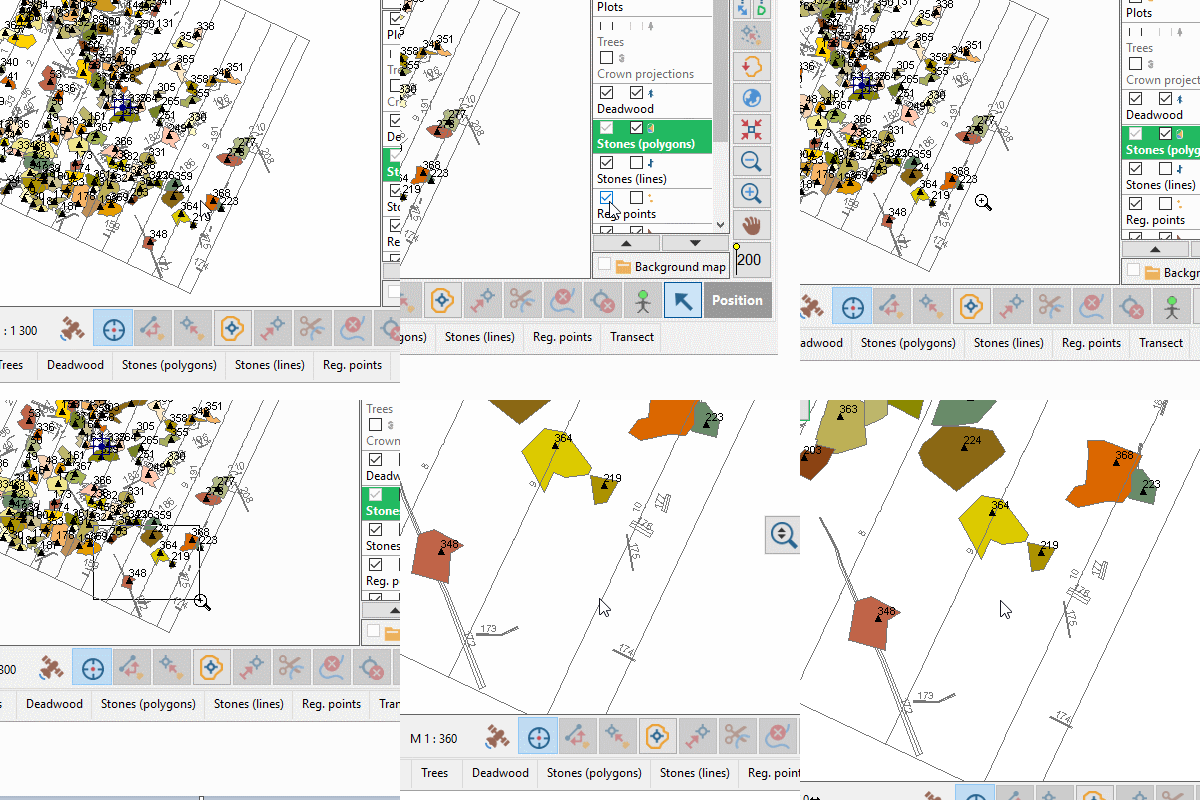
You can also zoom in using a predefined step by simply clicking on the map (the “Zoom in” button must be active). Zoom to defined scale Click the Zoom in button with the right mouse button. A list of predefined scales appears. Use zoom in during mapping process The function is available also during the mapping process. “Zoom in” brings the view closer by a predefined steps using the “Zoom in” button. Zooming with scroll mouse + CTRL For zooming can be used holding CTRL button and scrolling mouse. Zooming to exact given co-ordinates You can zoom-in a selected layer to exact given co-ordinates if you know them.
|
You can zoom in also by drag and drop by left mouse button in navigator window
Example
|