|
The list of recently opened projects is ordered by the time of last opening. Alternatively, you can sort it alphabetically.
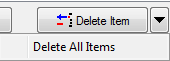
To reduce the number of projects in the list, click Delete Item button or Delete All Items menu (arrow button). Projects are deleted only from the list of recently opened projects, not from your hard-disc.
|
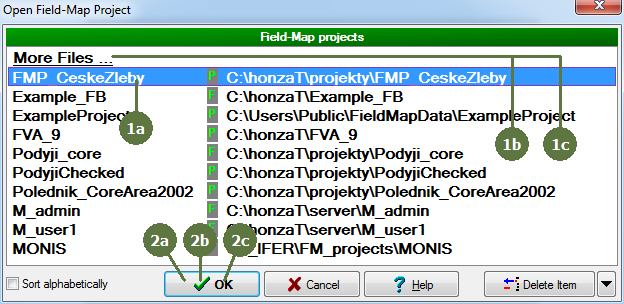
Generally, there are 3 ways to open the project in Field-Map Inventory Analyst.
A. Use the list of recently opened projects.
- Select the project to be opened from the list
- Click OK
B. Use build-in browser of Field-Map projects
- Select More files
- Click OK
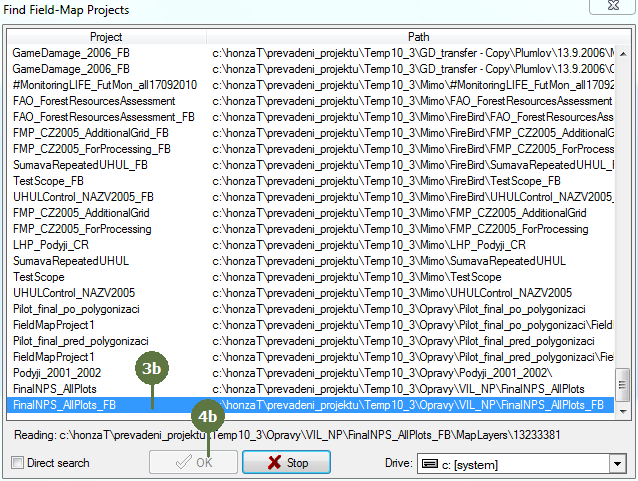
- Let the programme to browse directories. Select desired project.
- Click OK
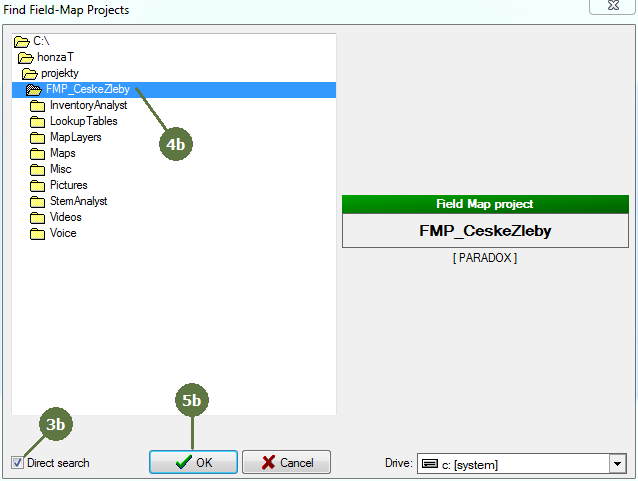
C. Use direct search
- Select More files
- Click OK
- Tag Direct search tag box
- Find the directory of project to be opened
- Click OK
|