11.1 Registering Field-Map


Using help > Registering Field-Map
|
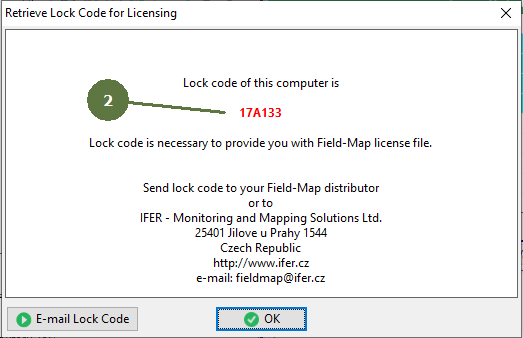
The software licence is limited to one particular computer. Another option for licensing is using a hardware key. Lock code Before retrieving the lock code for licensing, make sure that the configuration of the computer (such as the name of the computer) is the same as the one which you will use with the full version of Field-Map. Unregistered Field-Map Demo version has a full functionality for 3 months, but the number of entities which can be handled is limited (max 7 points, 3 lines, etc.). Demo version does not support an electronic equipment. |
|