5.16 Combining shapefiles


Using tools > Combining shapefiles
|
The Combine shapefiles tool pastes all entities from all selected plots (in local co-ordinates) into one shapefile and converts them to global co-ordinates of a selected projection. Using Exaggeration factor you can exaggerate dimensions of entities in relation to reality. This is particularly useful when creating presentations (e.g., using FM World map). |
|


Exaggeration factor 1 Exaggeration factor 10
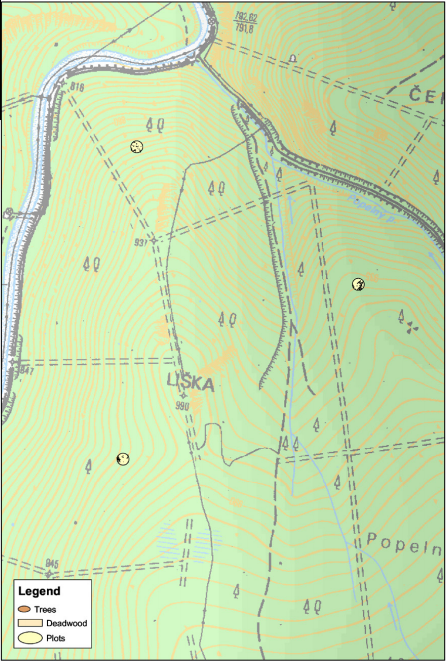
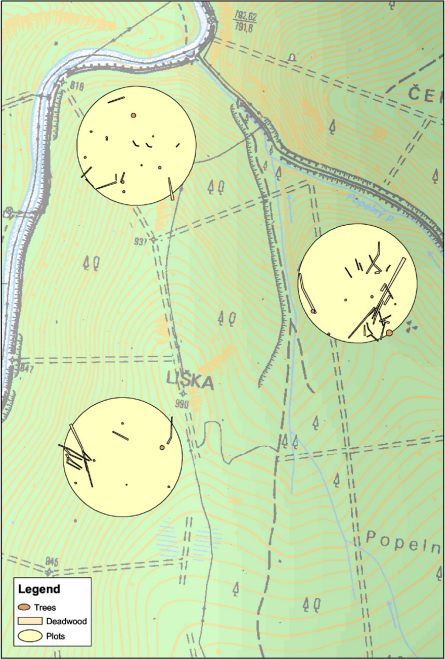
Each of the plots in Field-Map project is stored in a separate shapefile. Using a Combine shapefiles tool, you can combine selected layers from selected plots and place them into a common co-ordinate system. Using Exaggeration factor 1, all the entities retain their original position. Using another Exaggeration factor, you can expand the entities but the center of the plot retains the original co-ordinates of the plot center. The tool is available only for circular plots that have a defined GPS reference point (see Georeferencing) and share common projection. The idea behind the exaggeration tool is to visualize the interior of plots using larger scale.