7.7 Editing labels


Editing background map composition > Editing labels
To edit labels double click the labels symbol or check the Add labels check box. There can be only one label per layer, so the new label settings will overwrite the old one.
The label size and style is changeable.
Labels can keep fixed size
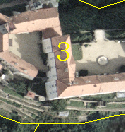
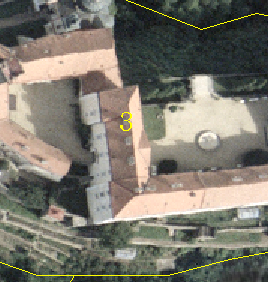

Labels can change size according to the scale of the map
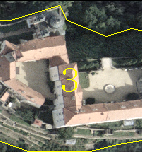
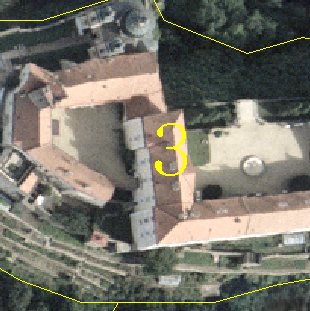
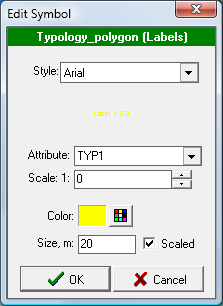
Attribute to be used for labeling


Using scale limitation, labels will appear only if you zoom in.


