|
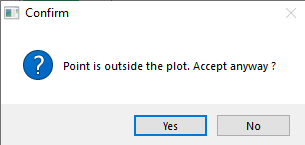
“Point is outside the plot“ message
All measurements are intended to be carried out within the plot. In case you try to map a point that is outside the plot you will get a warning message but you can still add this point to the map.
Adding Point by Co-ordinates
For manual entry of co-ordinates select terminal point of line and click "Add Point by Co-ordinates" in Tools menu. If the point inside the line is selected, newly created point is added adjacent to it.
|
- Make sure that the line layer is active
- Select the line to which you want to add a point
- Select the terminate point of the line
- Click the Add point button
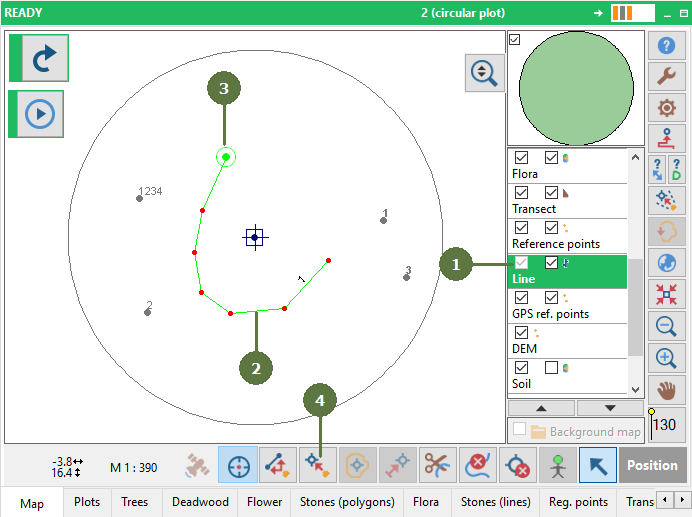
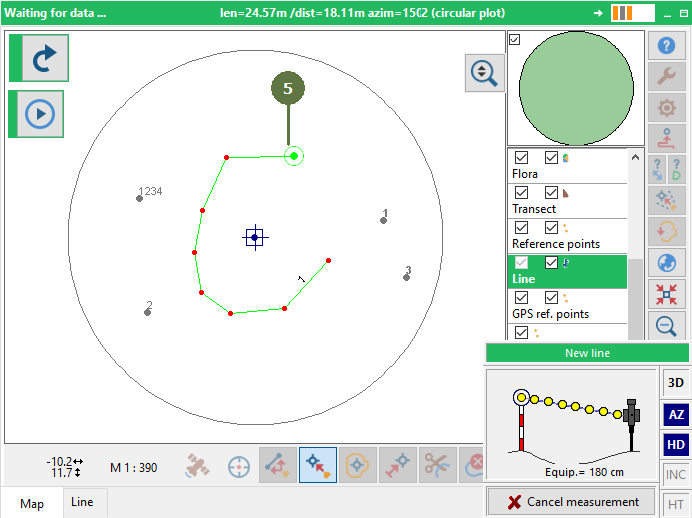
- Click on the map to add the point The line is extended to the point.
|