10.7 Adding a point using the keyboard
|
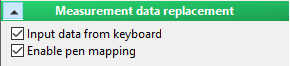
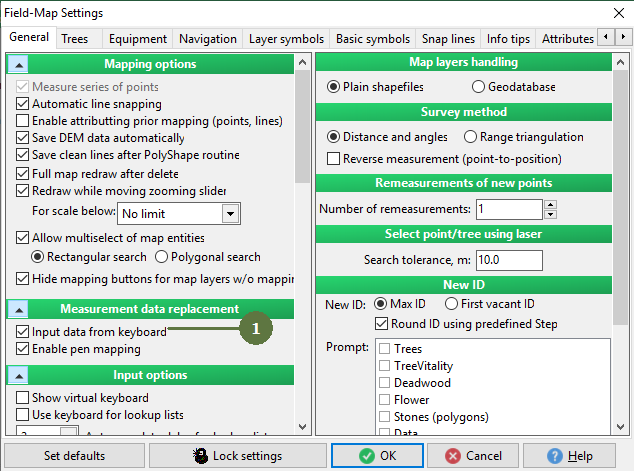
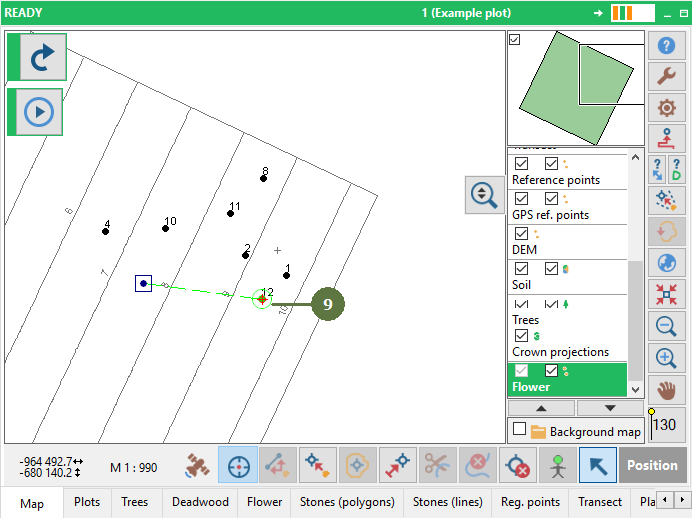
Field-Map Data Collector handles data input devices in the following order: 1. Keyboard 2. Pen 3. Laser or GPS This means that if the keyboard option or if both keyboard and pen options are enabled, then FM will expect data to be entered by keyboard.
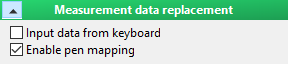
If only the “Pen mapping” option is enabled Field-Map expects pen mapping, data from GPS or Laser.
If both keyboard and pen options are left untagged in Settings then only data from Laser of GPS are accepted.
|
a) change units of entered values
|