|
Pen mapping
This option is available only for those map layers which have “Pen mapping” option enabled in Field-Map Project Manager. Be aware, that only X and Y co-ordinates of a new point are entered by this method of mapping (If you want to additionally add Z co-ordinate see „Add/Edit Point Altitude“).
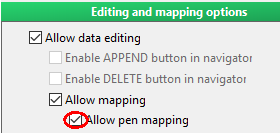
Screenshot of Field-Map Project Manager
|
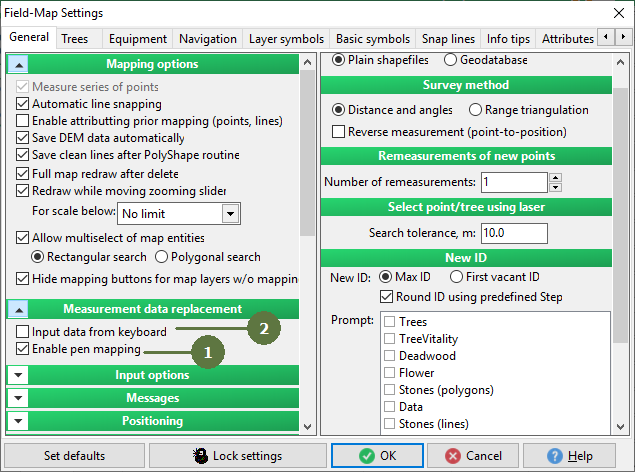
- Tag the Enable pen mapping check box in settings
- Untag the Input data from keyboard check box in Settings
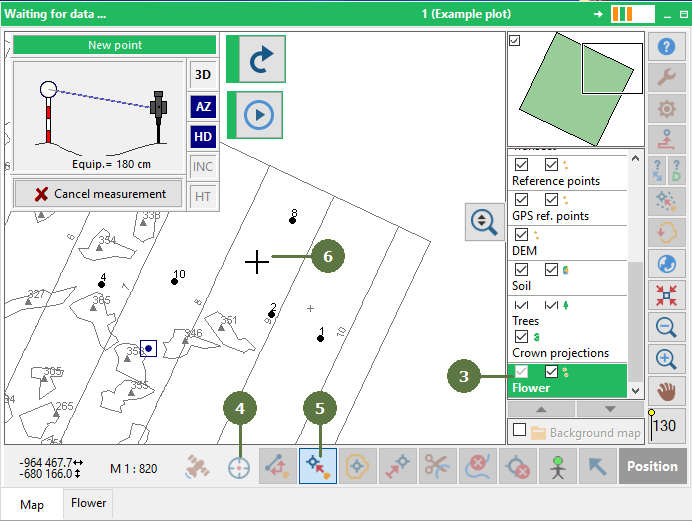
- Double click the point layer to make it active
- Make sure that the Laser button is active (button is highlighted light blue)
- Click the Add point button (the cursor symbol has changed to the cross on the map)
- Click on the map where you want the new point to be added
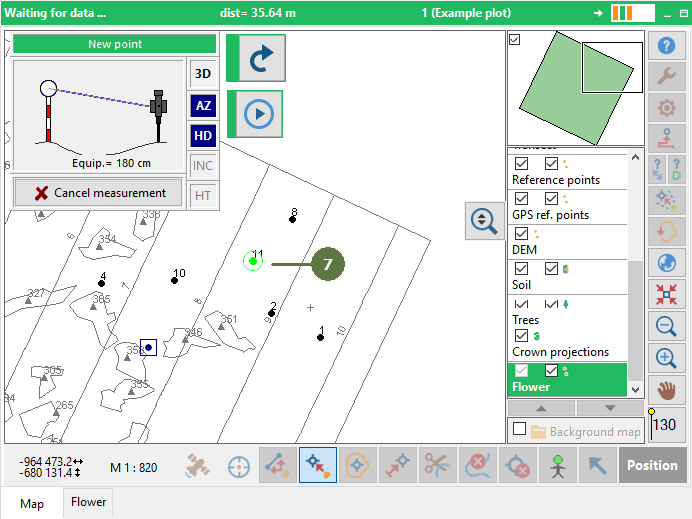
- A new point is displayed on the map
|