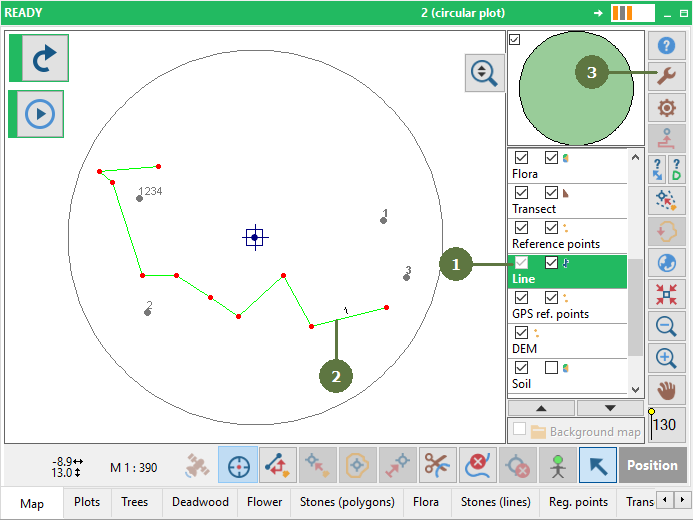
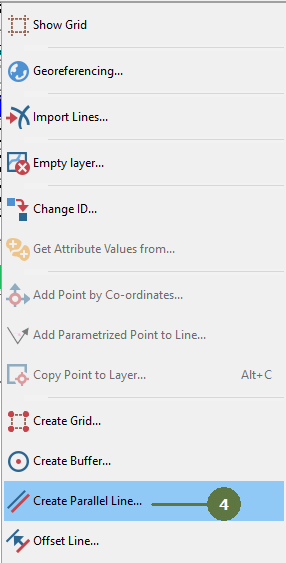
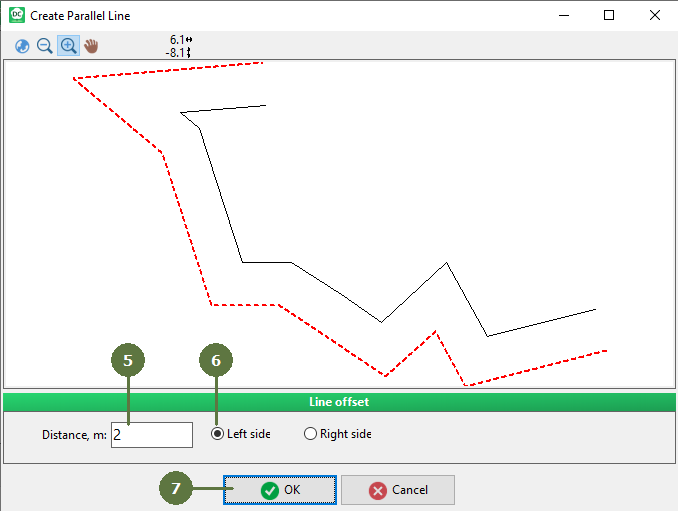
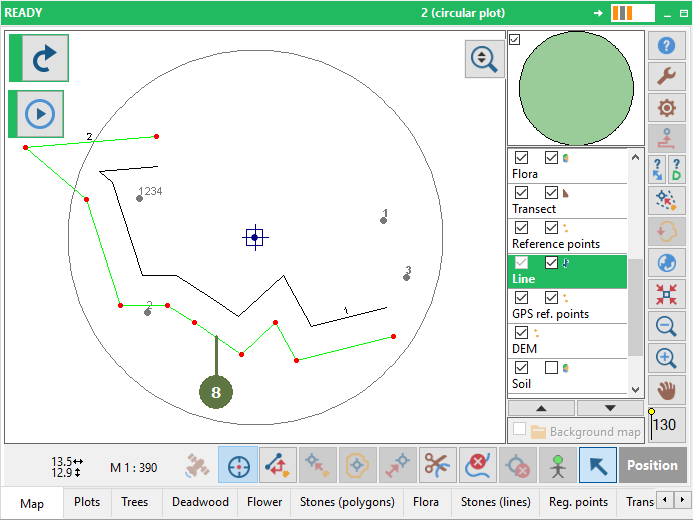
11. Lines 11.9 Adding parallel lines Make sure the line layer is active Select a line Click the Tools button Choose the Create Parallel Line menu item Enter the offset of the new line into edit box Choose the side of the offset Click OK A new line appears on the map