Color palette

A color palette which is linked to lookup list value can be saved and used for other transects. Thus, all transects in the Field-Map project will use the same colors for the species.


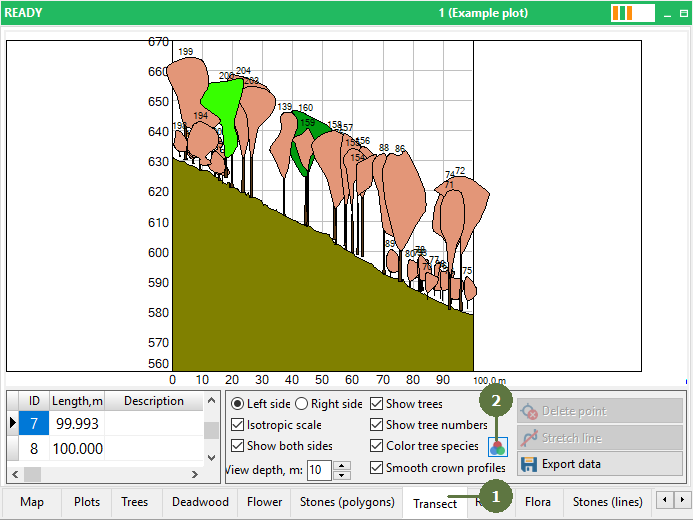
  1. Switch to the Transect form
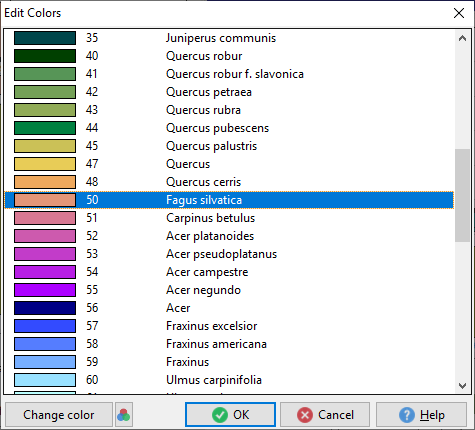
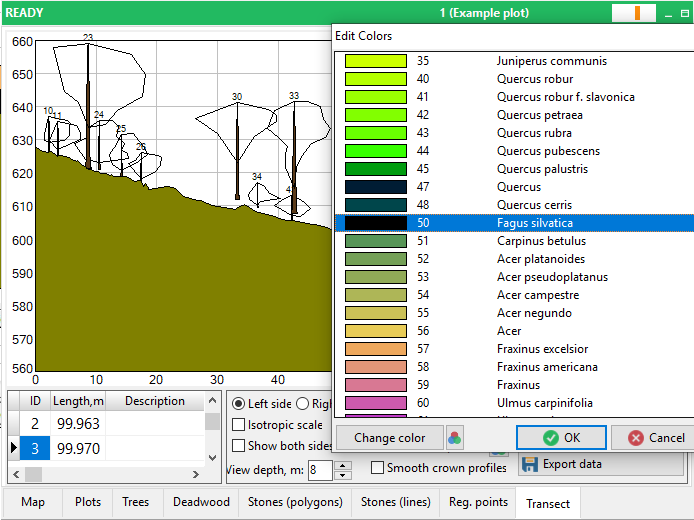
  2. Click on Color trees palette button Edit colors window appears


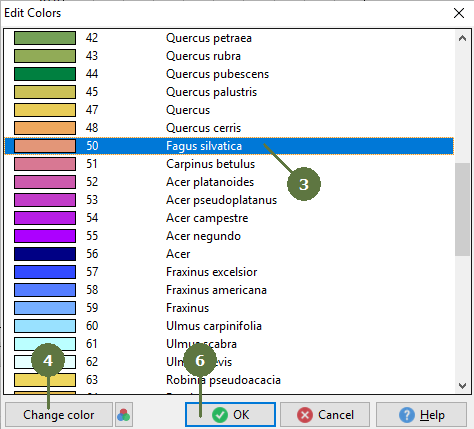
  1. Select species
  2. Click Change color button
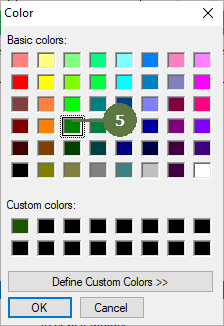
  3. Select color and click OK. Optionally repeat steps 3 - 5 for other species
  4. Click OK. Trees change color depending on the settings
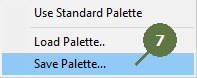
  5. You can save a Color Palette


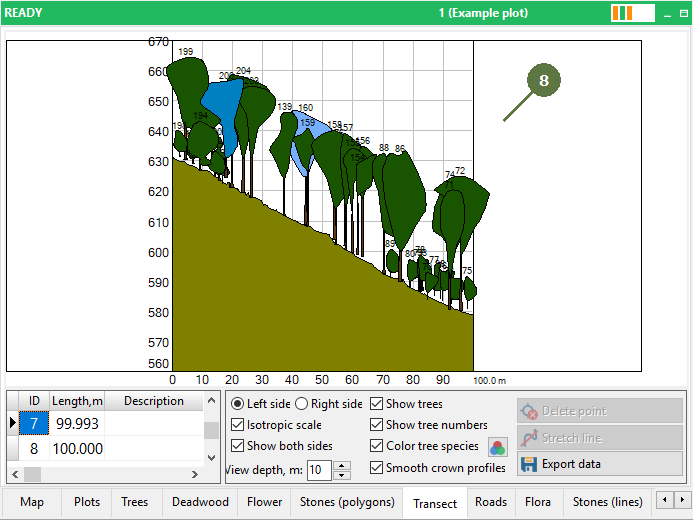
  1. Color of trees has been changed


Black color (rgb: 0,0,0) is interpreted as transparent