|
Checking of all layer geometry
If any of lines is not selected when starting "Check and correct line geometry", the topology of all entities of active layer will be checked and eventually corrected.
|
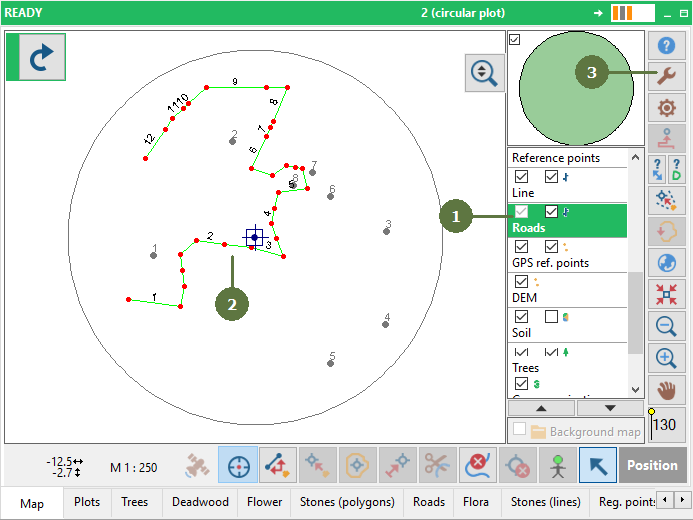
- Make sure that the line layer is active
- Select the line, which geometry you would like to have checked
- Click Tools button
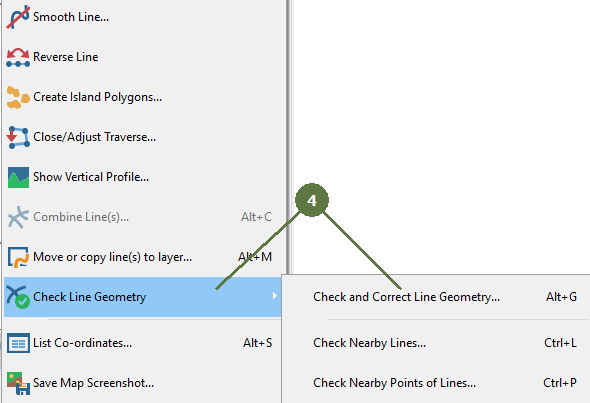
- Click Check and correct line geometry item
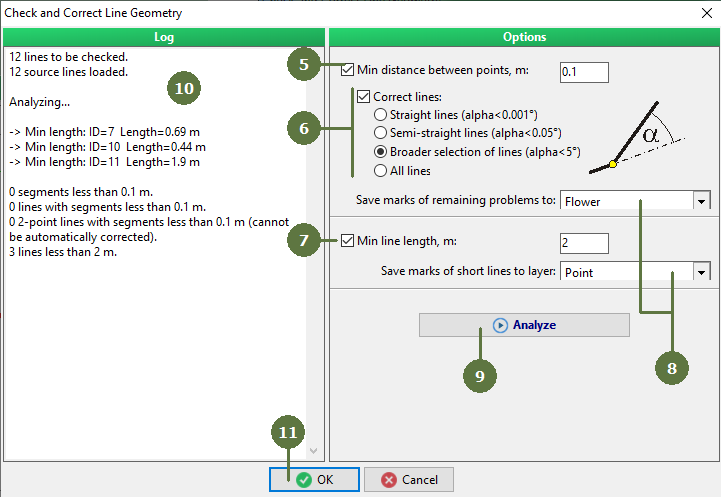
Check and correct line geometry window appears
- Set whether to check criterion of minimal distance between points of the line and its threshold value.
- Set the rule for angle of lines to be corrected
- Tag if total length of whole line should be used as criterion and, subsequently, set the minimal line length
- Marks of identified geometry problems can be saved as points in specified point layer
- Click Analyze button
- The report of identified problems appears in Log window
- Click OK to close the window to map
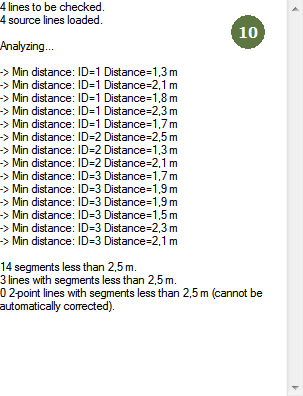
Other example
|