|
Multiple centroids
Attributes describing the polygon are always linked to the centroid. Therefore only one centroid is allowed for each polygon.
Check centroid attribute value
Double-click on the centroid shows info tip with attribute values.

|
- Make sure that the polygon layer is active and contains polygons
- Click the Tools button
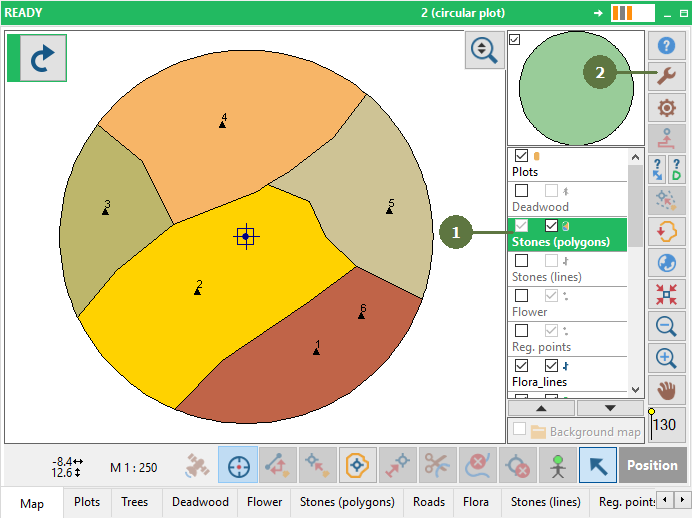
- Choose Check Multiple Centroids menu item

- You will get a message whether there are any multiple centroids or not
- Click OK

Another possible messages
 
Check Duplicate Centroids
- Make sure that the polygon layer is active and contains polygons
- Click the Tools button

- Choose Check Duplicate Centroids menu item

- You will get a message whether there are any multiple centroids or not
- Click OK

|