|
Copying a point to another layer
This function enables to copy points between layers. It can be useful when creating reference points from another, already measured, point layers. If copying trees into the reference points layer, it is recommended to add a DBH as an offset and to choose trees with regular stem profile.
Copying a point defining the line topology
The same function can be used also for copying of individual points from line layer (select point on the line).
|
- Double click the point layer to make it active
- Select the point you want to move
- Click the Tools button
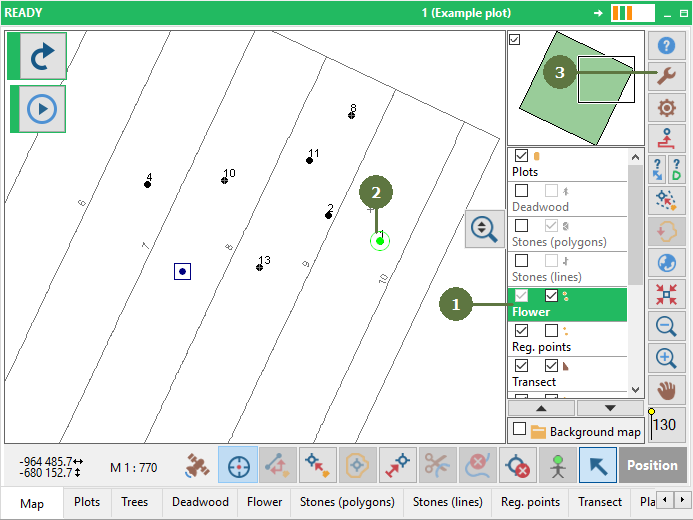
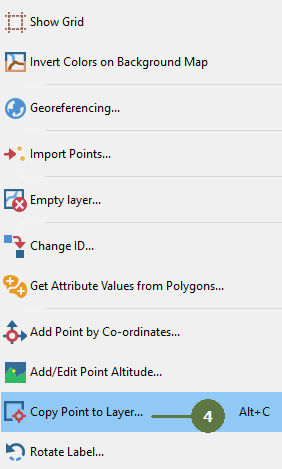
- Select the Copy point to layer
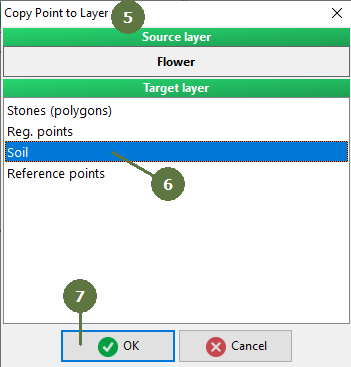
- Copy point to layer window appears
- Choose the target layer that you want your point to be copied into.
- Click OK
(New ID for Soil points window appears if checked in settings)
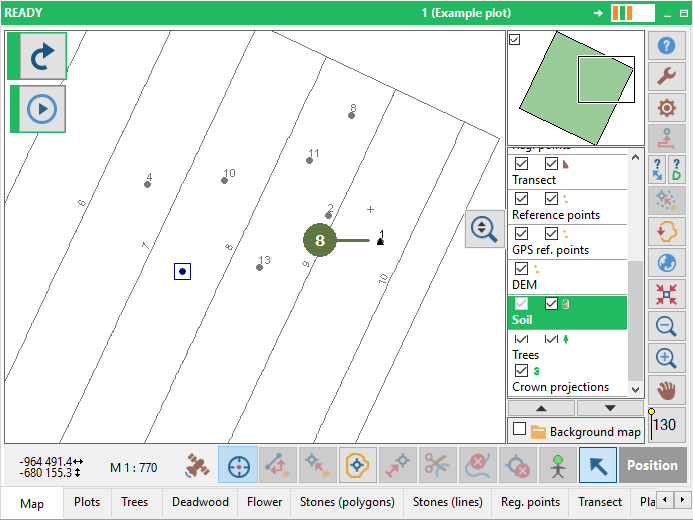
- The point is copied
|