|
Creating a buffer
You can create a buffer around a centroid.
|
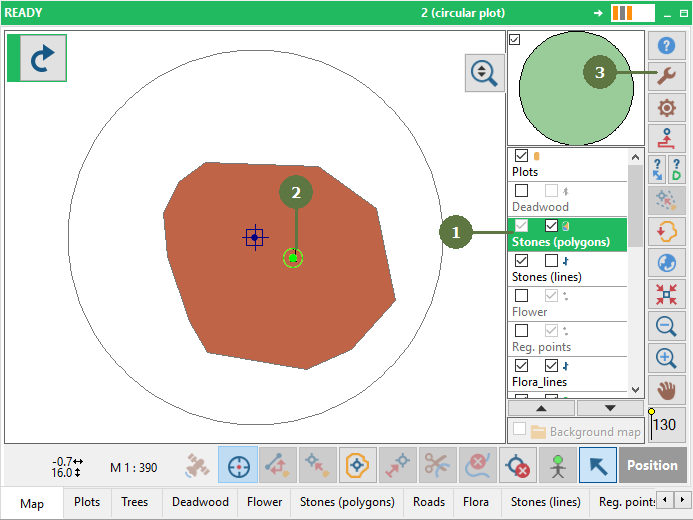
- Double click the polygon layer to make it active
- Select a centroid
- Click the Tools button
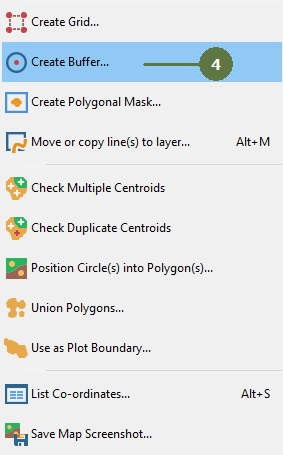
- Choose Create buffer menu item
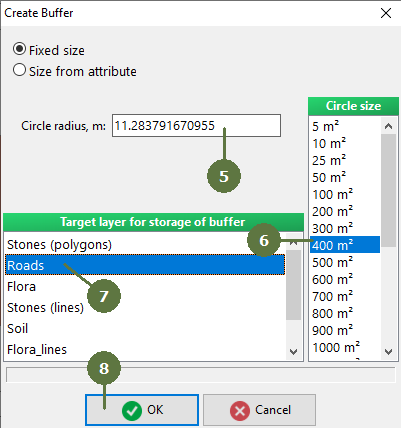
- Enter the buffer size into the Circle radius edit box or
- Select a Circle size and the Circle radius will be fill in automatically
- Select the destination layer for the buffer
- Click OK
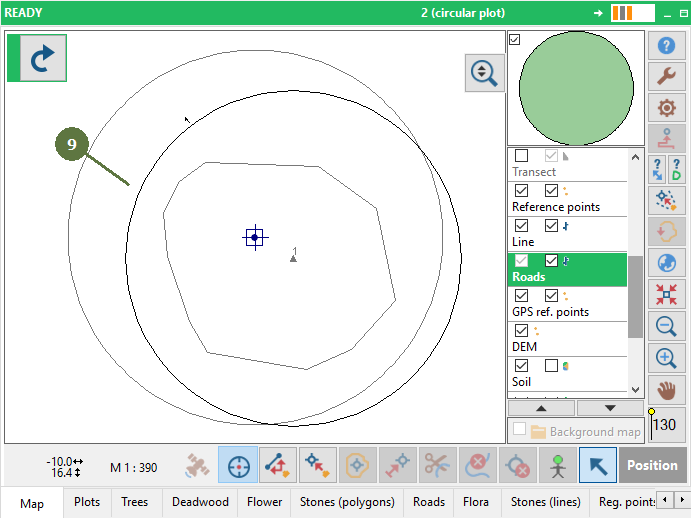
- A buffer is created
|