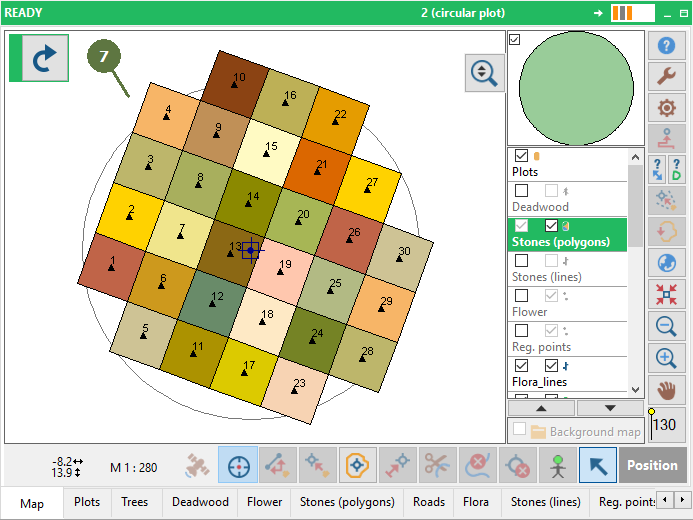
12.10 Creating a grid of polygons
|
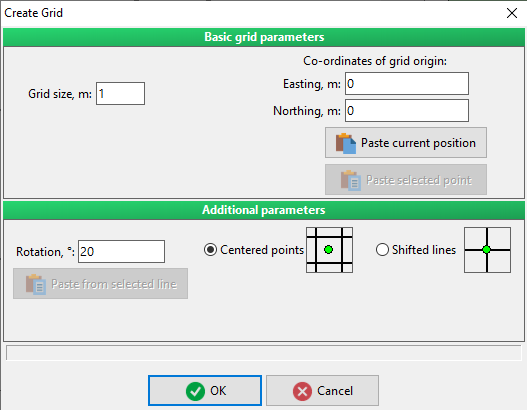
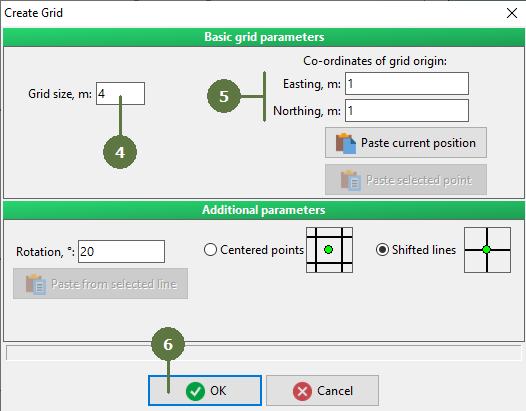
In the Create grid dialog box you can choose a Grid offset and rotation.
Centered points/Shifted lines If Centered points selected the origin of coordinates will be placed in the middle of polygon. On the other hand, if you select shifted lines, it will be located on the intersecting point of 4 squares. |
Note: You can paste co-ordinates of your current position or co-ordinates of selected point using buttons Paste current position or Paste selected point
|