|
“Refresh all projections” button
This procedure is useful when you need to refresh all horizontal projections. For example, when the mode of visualizing a projection is changed (see “Smooth contour line option”).

Before refreshing horizontal crown projection. 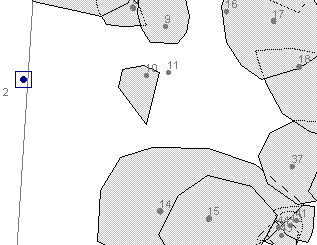
After refreshing horizontal crown projection.
|
- Switch to the trees form
- Select a tree
- Click on the Crown projection tab

- In the view Select the point which you want to delete
- Click the Delete point button

- The point is deleted from the view

|