|
Deleting horizontal crown projection
Deleting a horizontal crown projection is an irreversible operation. Make sure that the appropriate tree is selected.
|
- Switch to the trees form
- Select a tree
- Click on the Crown projection tab

- Click the Delete projection button

- A confirmation message appears
- Click Yes

- A horizontal projection is deleted
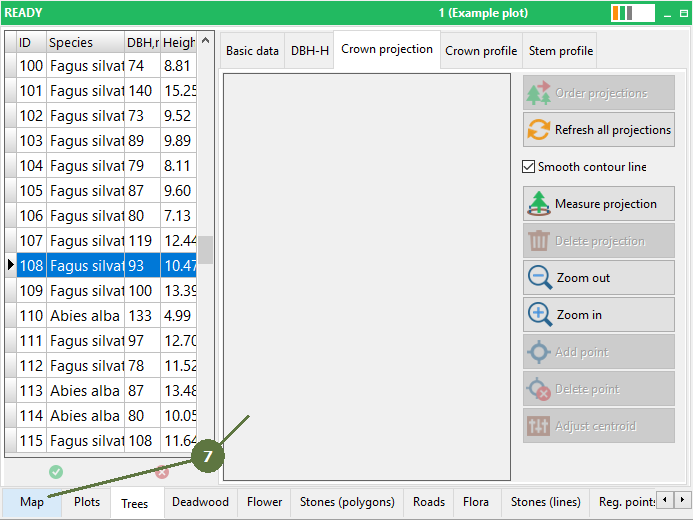
Switch to the map and check results
|