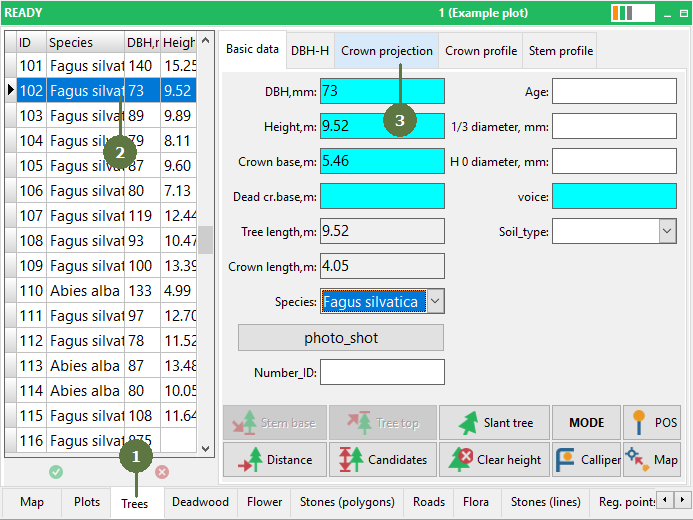
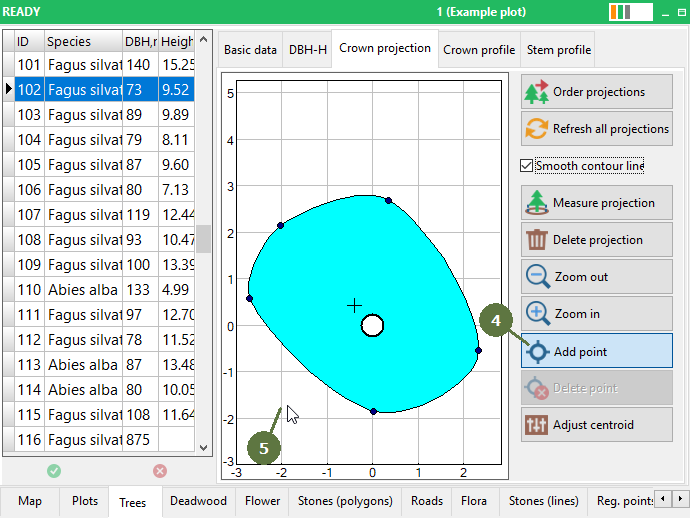
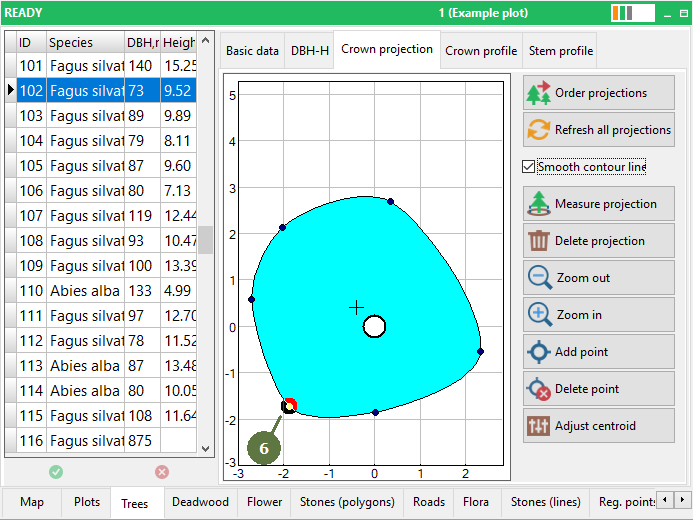
|
“Smooth contour line” function
Field-Map visualizes horizontal crown projection in two modes:
Without smoothing
the shape is projected in straight lines
Optimalized view
the shape is projected using a smoothing function Tag or untag “Smooth contour line” check box to set the mode.
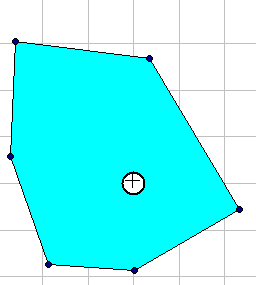
without smooth crown projection
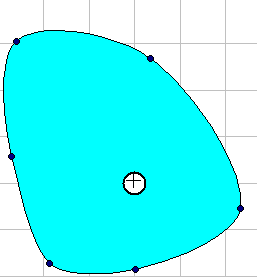
smooth crown projection
Differences between two modes of visualization horizontal crown projection.
When the smoothing mode is combined with the “Refresh all projections” option, then the mode is applied to all trees.
|