3.9 Deleting plots
|
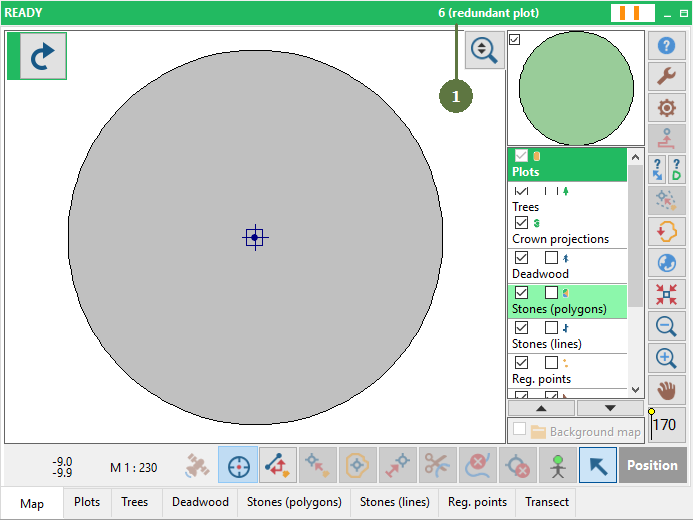
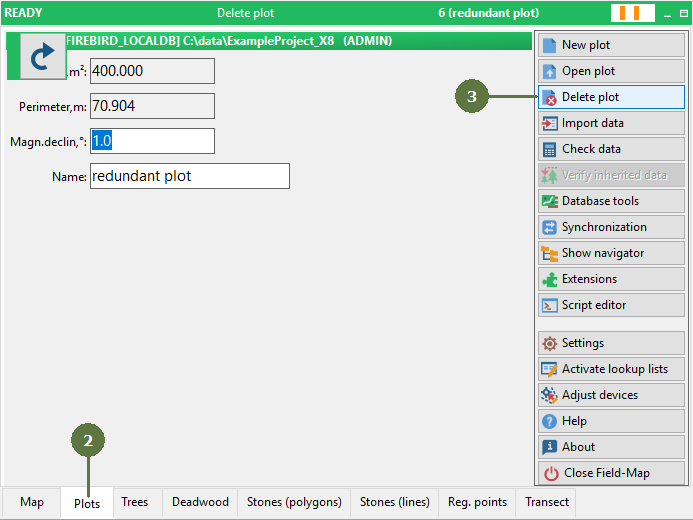
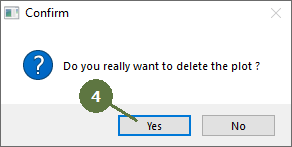
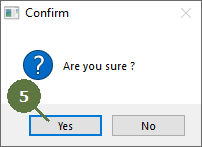
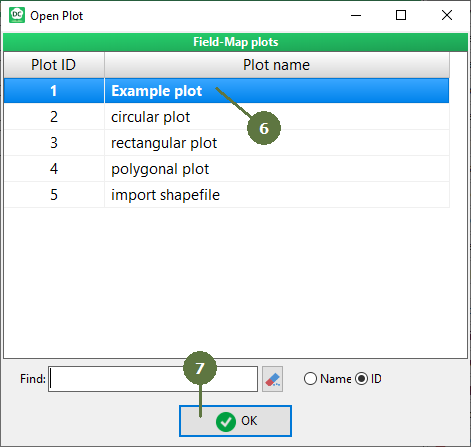
Deleting a plot is an irreversible operation. Make sure that the appropriate plot is selected (i.e., opened) before you confirm the final confirmation message |
|
|
Deleting a plot is an irreversible operation. Make sure that the appropriate plot is selected (i.e., opened) before you confirm the final confirmation message |
|