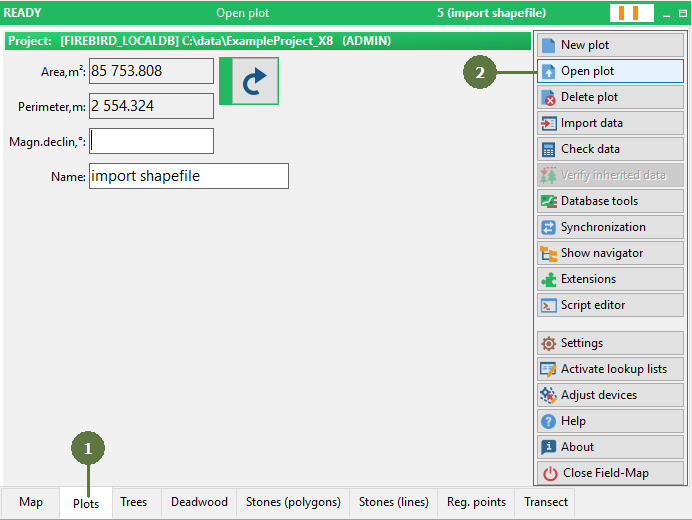
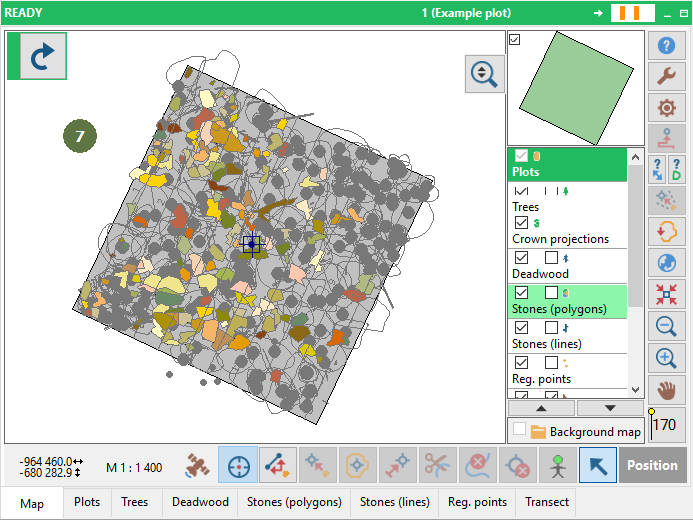
3.8 Opening an existing plot
|
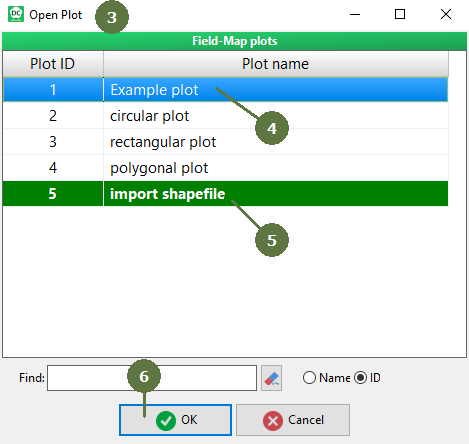
In case that the project has a number of existing plots, you can use the search edit box for quick finding of the plot. You may search for plot ID or plot name.
|
|
|
In case that the project has a number of existing plots, you can use the search edit box for quick finding of the plot. You may search for plot ID or plot name.
|
|