13.41 Deleting trees
|
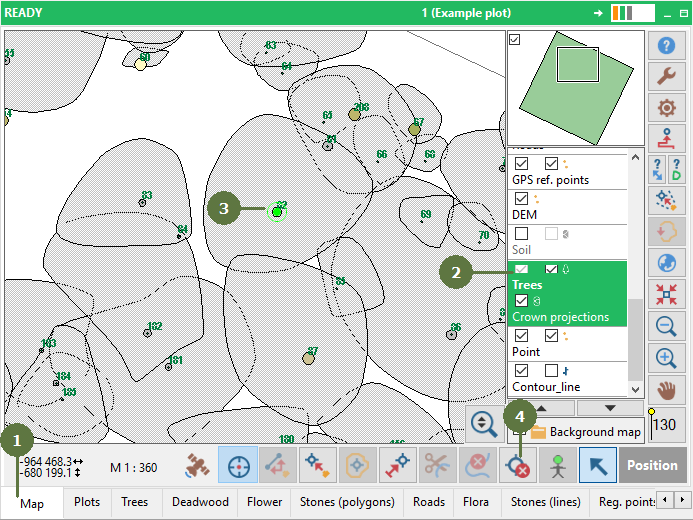
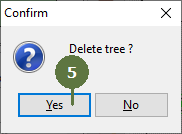
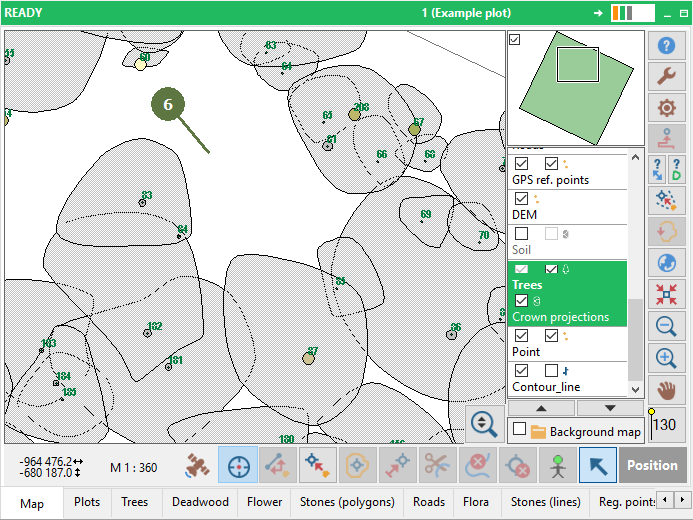
Deleting a tree is an irreversible operation. Make sure that the appropriate tree is selected. When deleting a tree, Field-Map automatically deletes all its attributes, the crown projection, the crown and stem profiles. |
A green circle indicates the selected tree
|