4.6 General settings - Area measurement method, Map extent after Poly-Shape and Changing user password
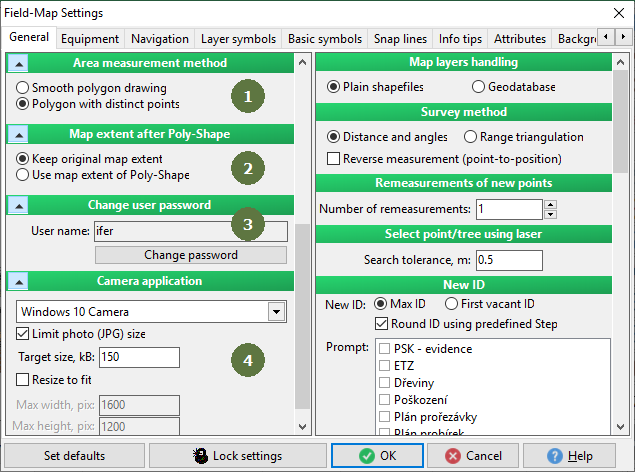
- Area measurement method
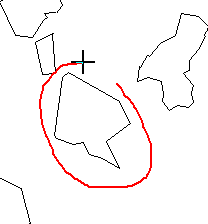
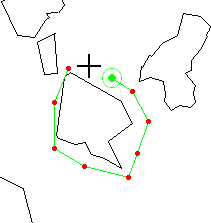
Choose whether the measurement of polygon area will be based on smoothed or sharp borders.
Note: This setting is for a function on the map form - Measure polygon area. For more information check Polygon area measurement.
Example
Smooth polygon drawing Polygon with distinct points
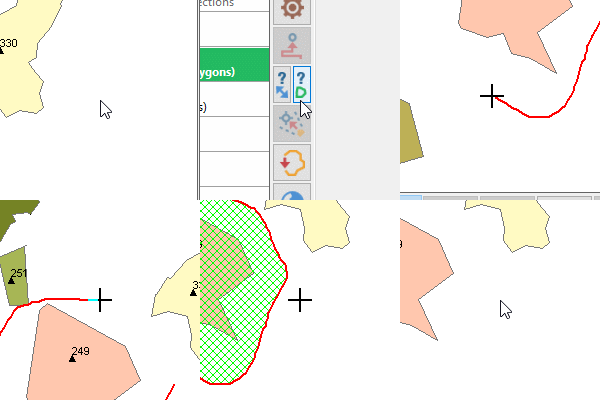
- Map extent after Poly-Shape
Specifies, whether the map extent after Poly-Shape procedure should reflect original map extent or final Poly-Shape area.
- Change user password
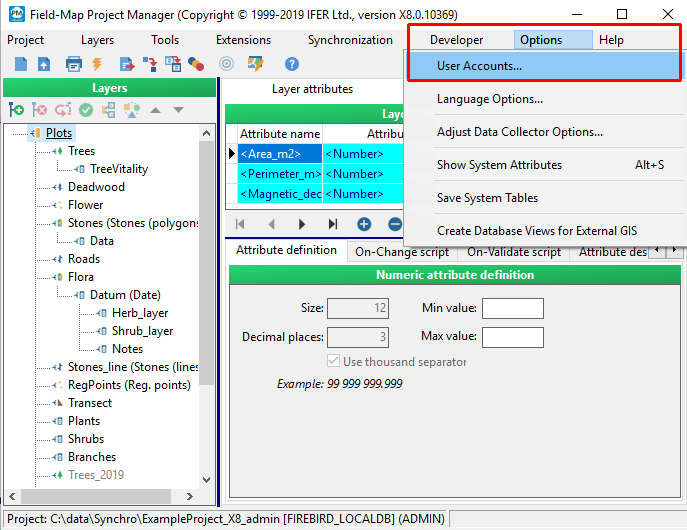
If user accounts are active, you may change password of your user (another possibility for changing password is from User accounts menu in Field-Map Project Manager).
You can activate user accounts in the Project Manager. For more information check Field-Map Project Manager user guide.
- Camera application
Specifies application to be used while taking picture within attribute type Photo shot. You can limit stored picture size by ticking Limit photo (JPG) size and entering desired size in kB.
Camera app:
Field-Map Simple Camera - works with all Windows operating systems, but is limited in resolution.
Windows 10 Camera - opens Windows 10 camera application, supports maximum camera resolution.
Resize to fit: You can resize a resolution