4.7 Screen adjustment for high resolution display
|
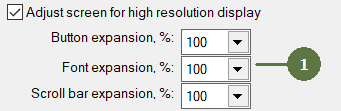
Activation of screen adjustment is stored in the computer registers, meanwhile the percantage of expansion is stored each individual project. |
Screen adjustment for high resolution display makes the buttons (on Map layer, Plots layer as well as attributes of button type) larger. Moreover, you can also modify the font size of attributes.
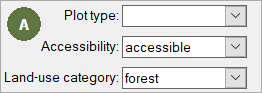
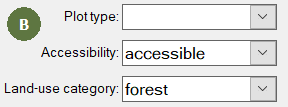
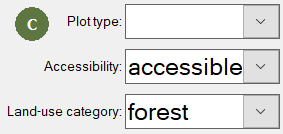
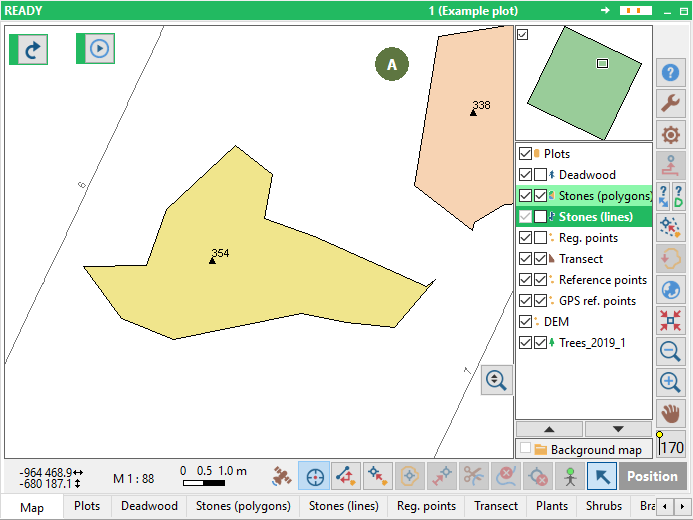
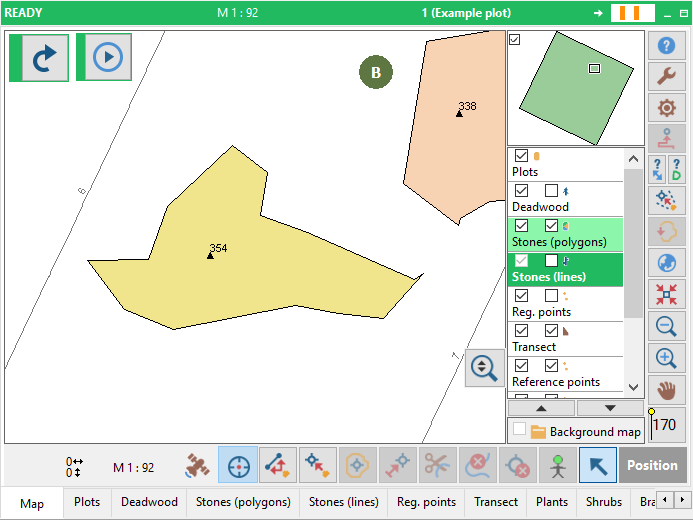
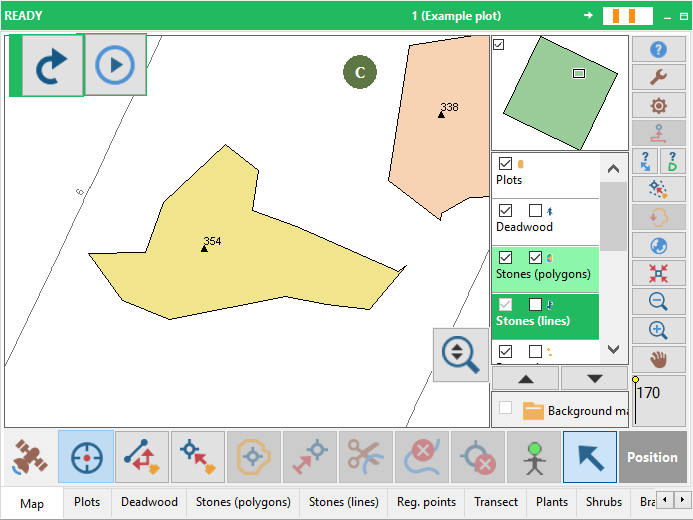
Example 1: (see the size of "RunNavigator" button and the font size) A: Screen adjustment disabled B: Screen adjustment enabled, Font expansion 125 % C: Screen adjustment enabled, Font expansion 175 %
Example 2: (see the size of buttons) A: Screen adjustment disabled B: Screen adjustment enabled, Button expansion 125 %, Font expansion 125 %, Scroll bar expansion 125% C: Screen adjustment enabled, Button expansion 175 %, Font expansion 175 %, Scroll bar expansion 175%
|