|
Calculated area appears in squared meters and hectares.
Polygon Area measurement methods
It can be selected between two methods for polygon area measurement. Selection can be done in General Settings.
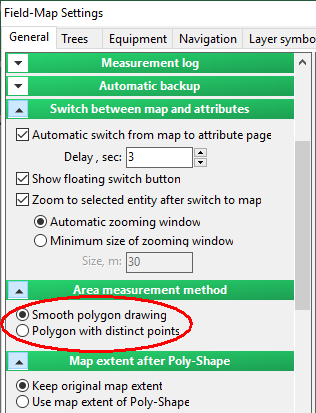
Note: Process of polygon drawing differs between smoothing and sharp border approaches. If you use smoothed borders (as on the picture to the right), you click and hold left mouse button to draw the border. When you free the button, the polygon automatically closes. On the other hand, sharp bordered polygon is made by clicking the position of the most important corner points into the map.
|
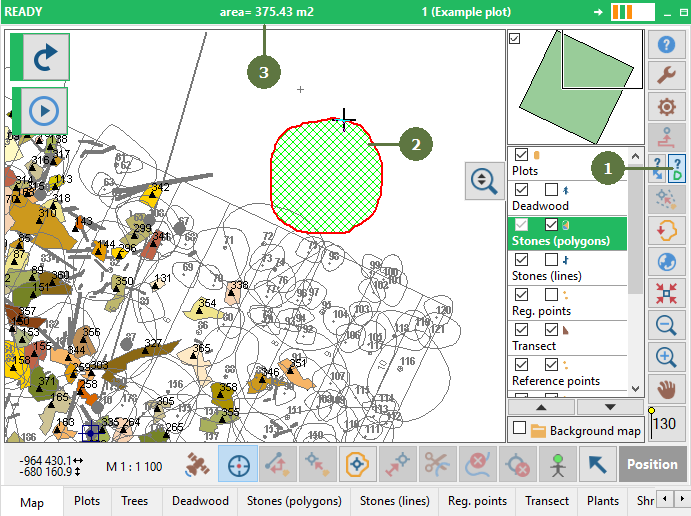
- Click the Measure polygon area button
- Draw the polygon you want to measure.
- The area appears in the status line
|