|
Move or delete the last point on the currently mapped line during mapping process
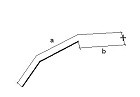
When a line is mapped with a pen, you can change the position of the last mapped point without canceling measurement. Drag the last point and drop it in a new position. The last point on the currently mapped line can be also deleted (use the key “delete”). On the top status bar (Fig.1) you can see the total length of a mapped line (a), the distance and azimuth between the last point and the cursor position (b).
Note:
By default the pen line mapping is not allowed. Allow pen mapping for each layer individually in Fied-Map Project Manager.
|
- Make sure that the line or polygonal layer is active
- Start mapping a new line or add a new point to the currently selected line
- Drag the last mapped point
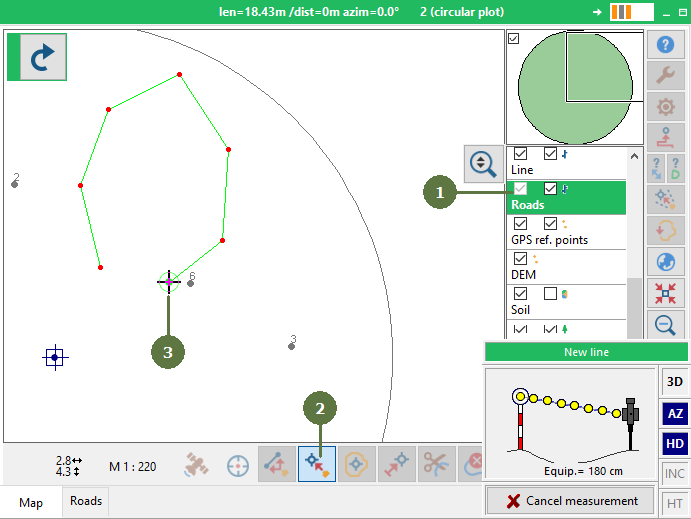
- Drop the point in a new position

|